Racing telemetry displays
Dashboards
Free telemetry dashboards for SimHub, from the Morad-built Endurance flagship to the compact Chrono. On VoCore displays, DDUs, steering wheels, phones, tablets and monitors, with full customisation for Pit Crew members and above.
A dashboard for every discipline
Endurance, ovals, rally stages, second screens and compact displays: there is a DNR dashboard built for the way you race, every one of them free to download and run, and fully customisable from Pit Crew.
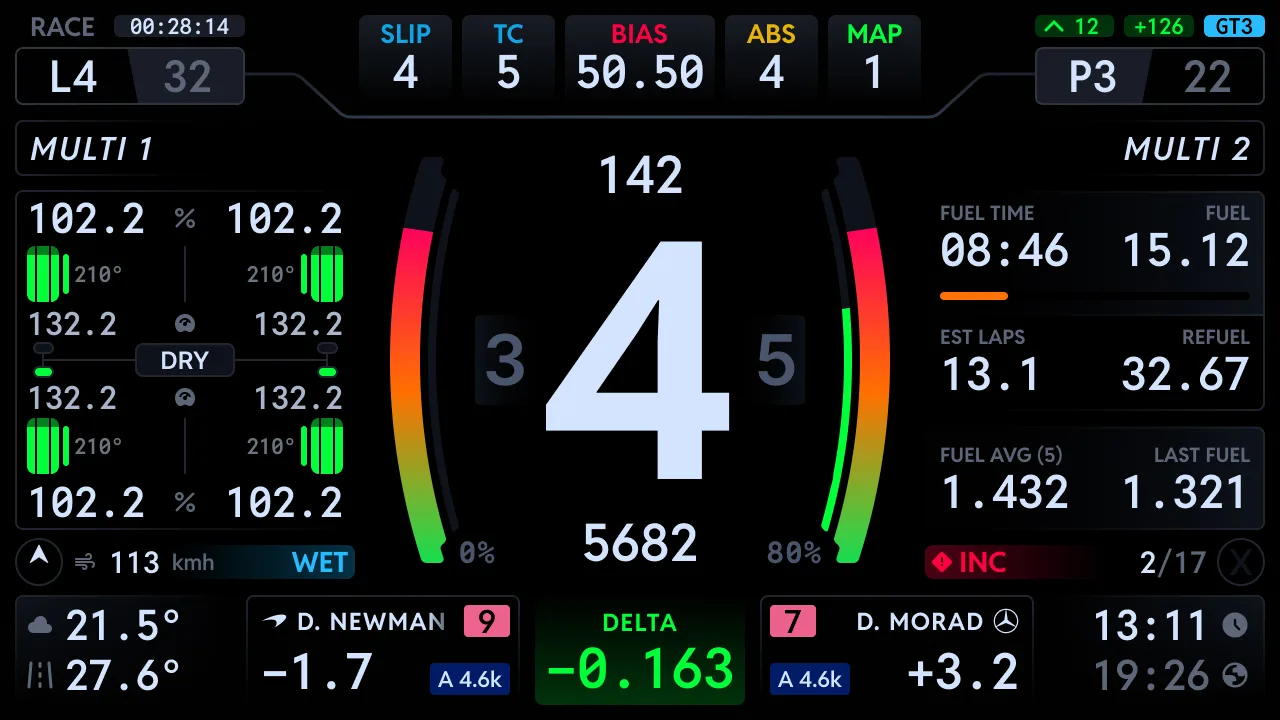
Endurance, built with Daniel Morad
Developed with two time Rolex Daytona 24 winner Daniel Morad and his M Squad team, the Endurance dashboard is the deepest display we make: sixteen Adaptive Display Zones, Fast Glance, a touchscreen Control Panel for your whole DNR rig, and a ten inch XL format.
- Sixteen Adaptive Display Zones, from lap times to launch control
- Fast Glance and pop ups for split second reads at race pace
- A touchscreen Control Panel that runs your whole DNR rig
- Signature RPMs measured for over 600 cars
- Moradness, light and classic themes, dark mode in any colour
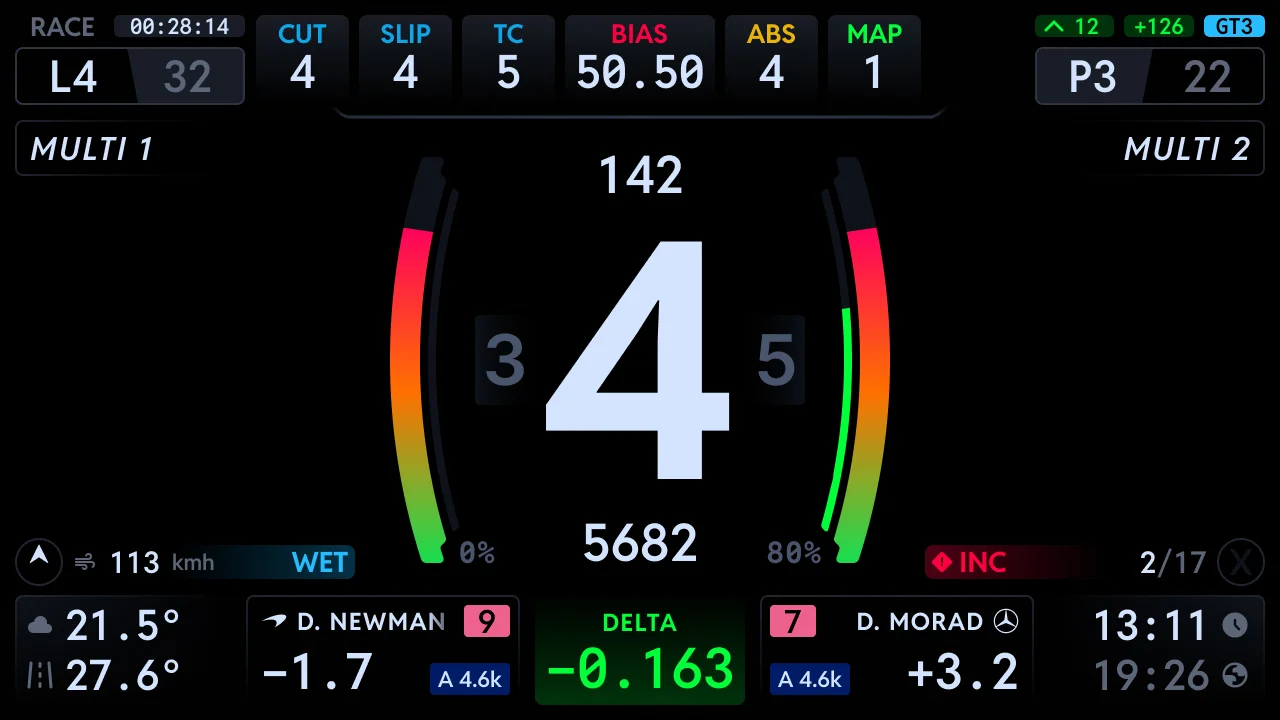
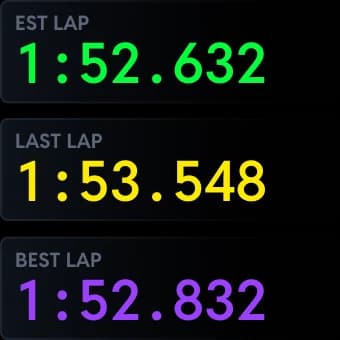
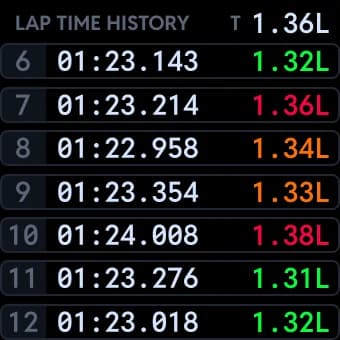
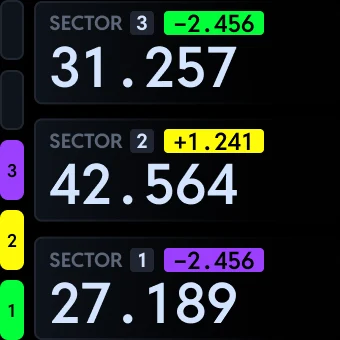
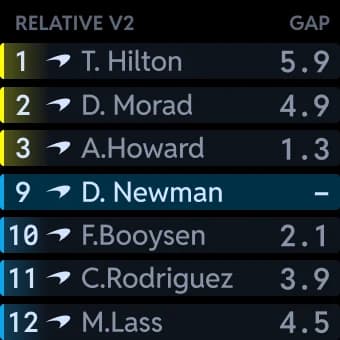
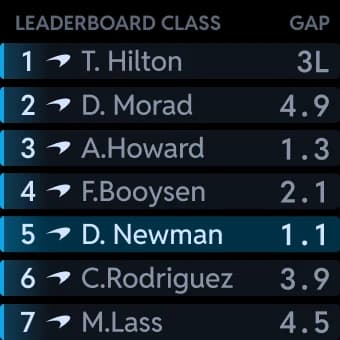
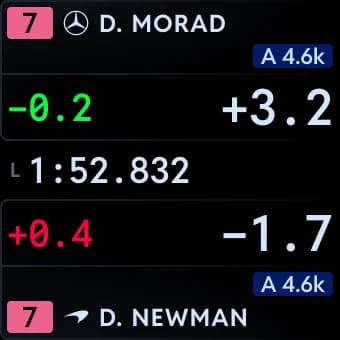
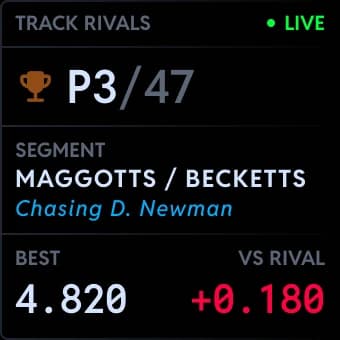
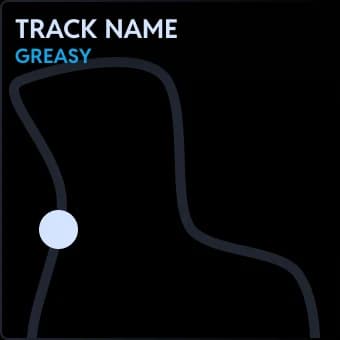
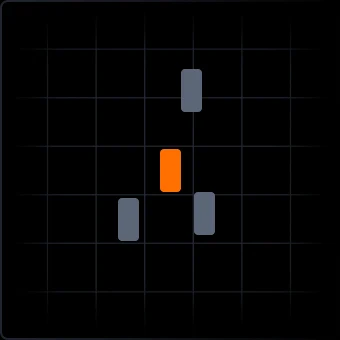
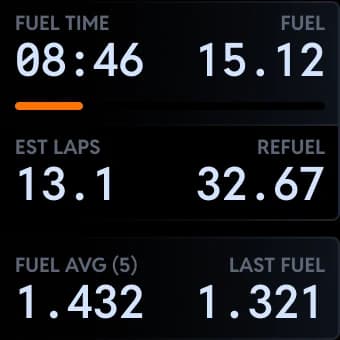
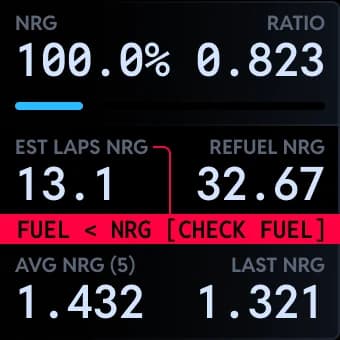
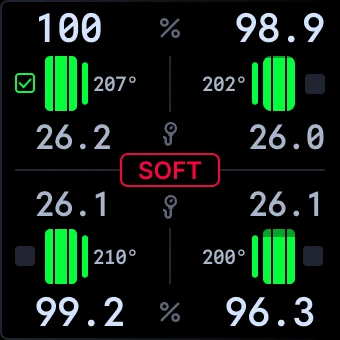
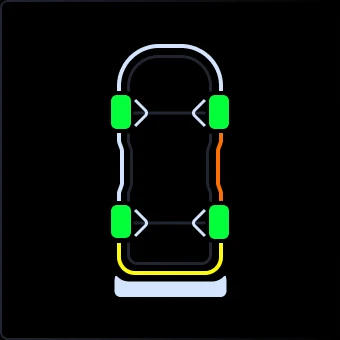
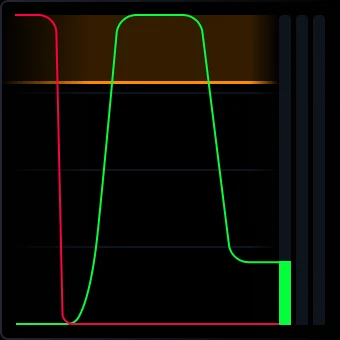
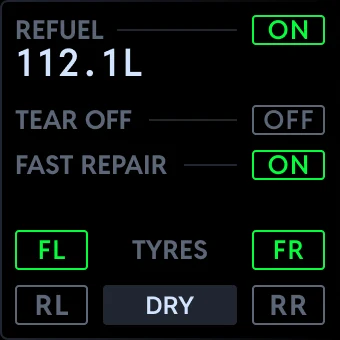
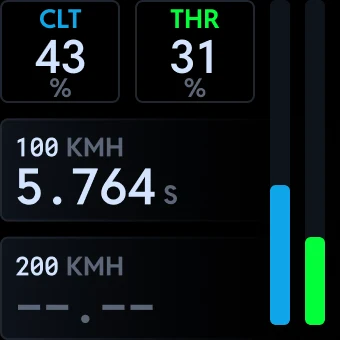
Try the Adaptive Display Zones, tap one and watch the dash
Make it yours
Pit Crew and above do not just run the dashboards, they shape them. Nine of the switches are below, from dark modes to flag formats, and every frame is the real dashboard.
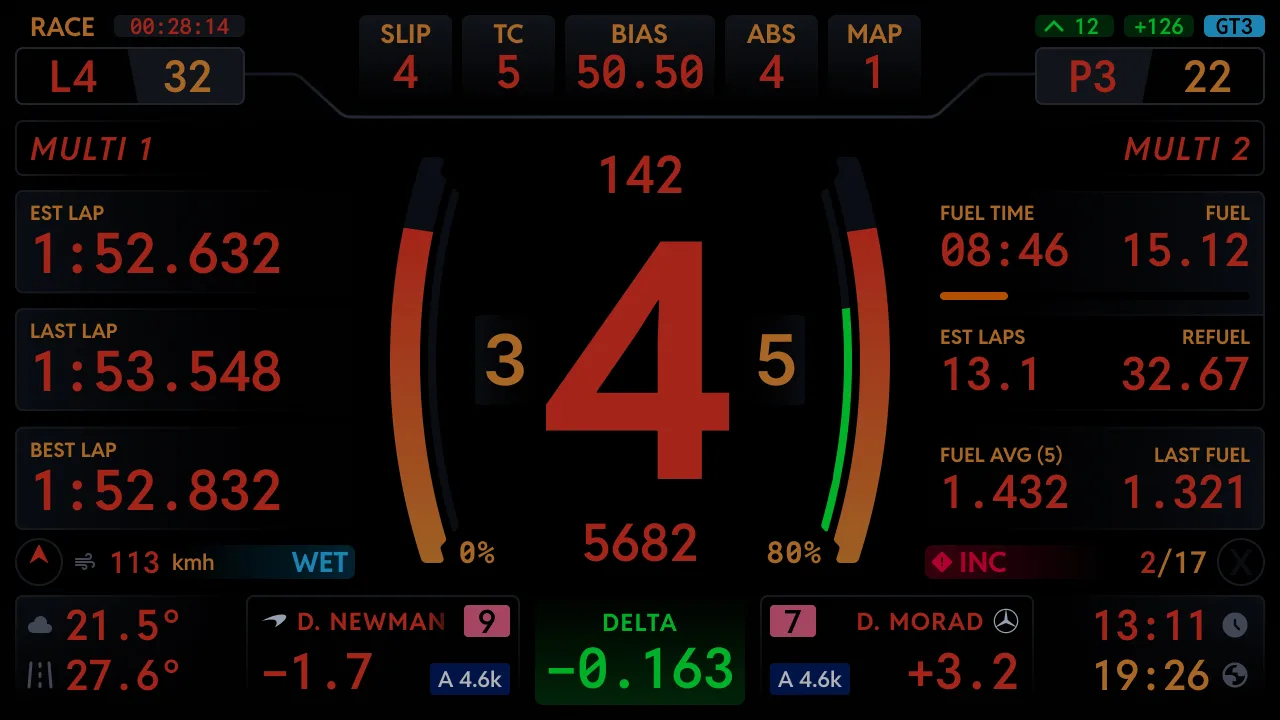
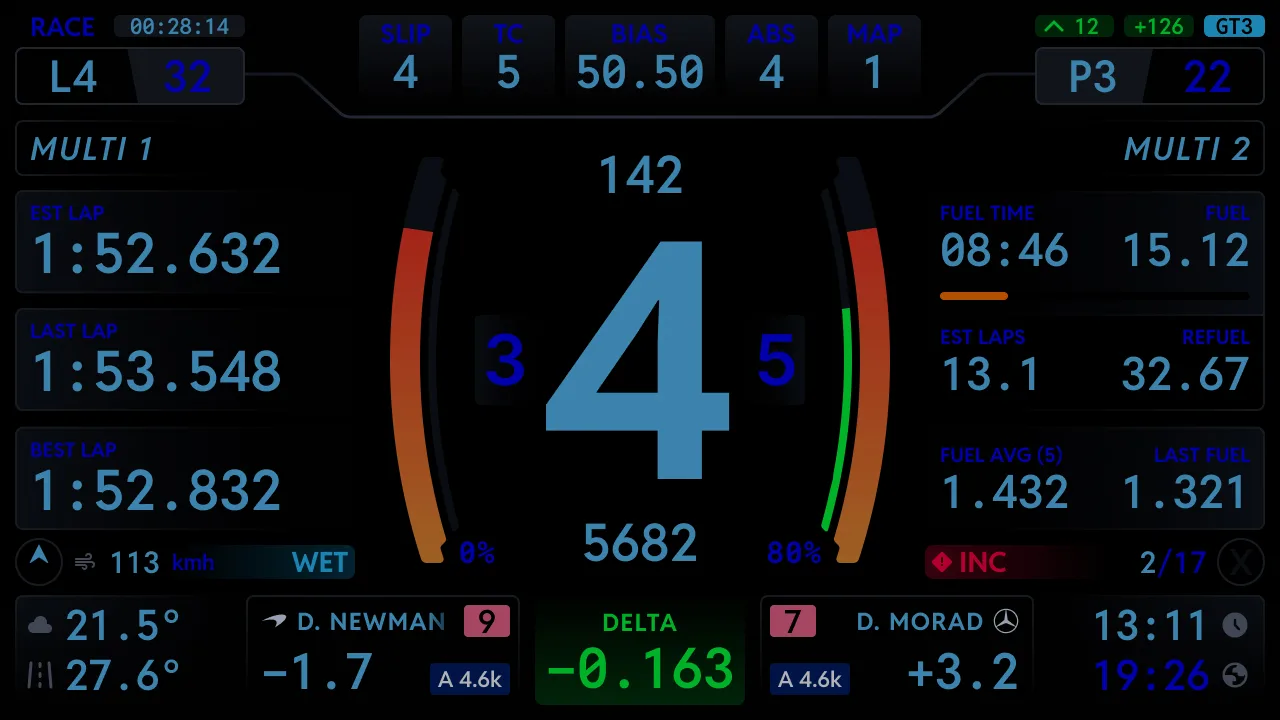
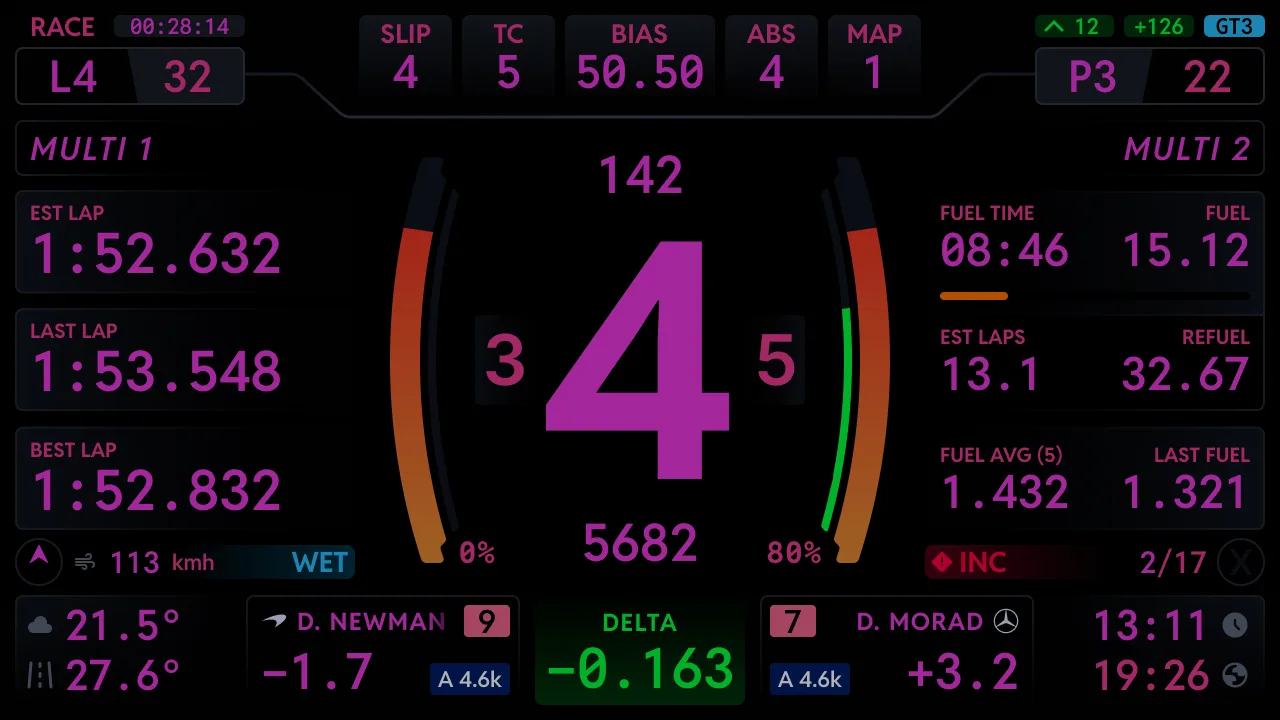
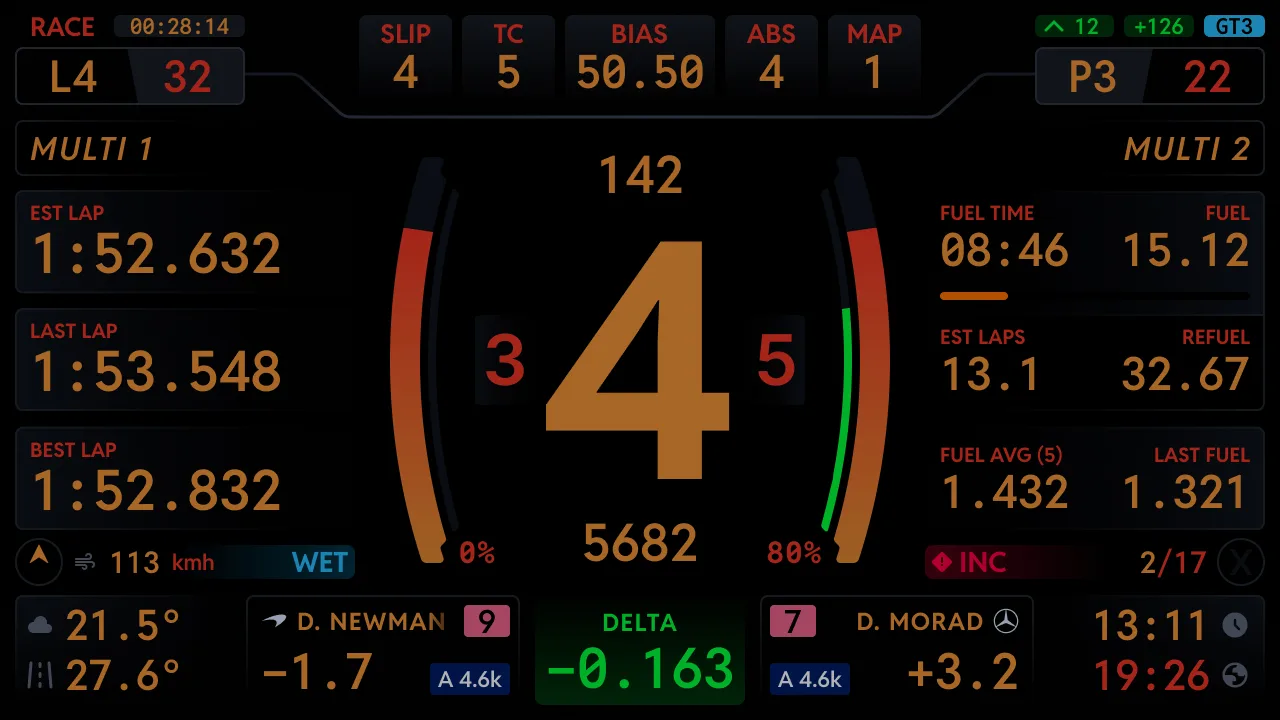
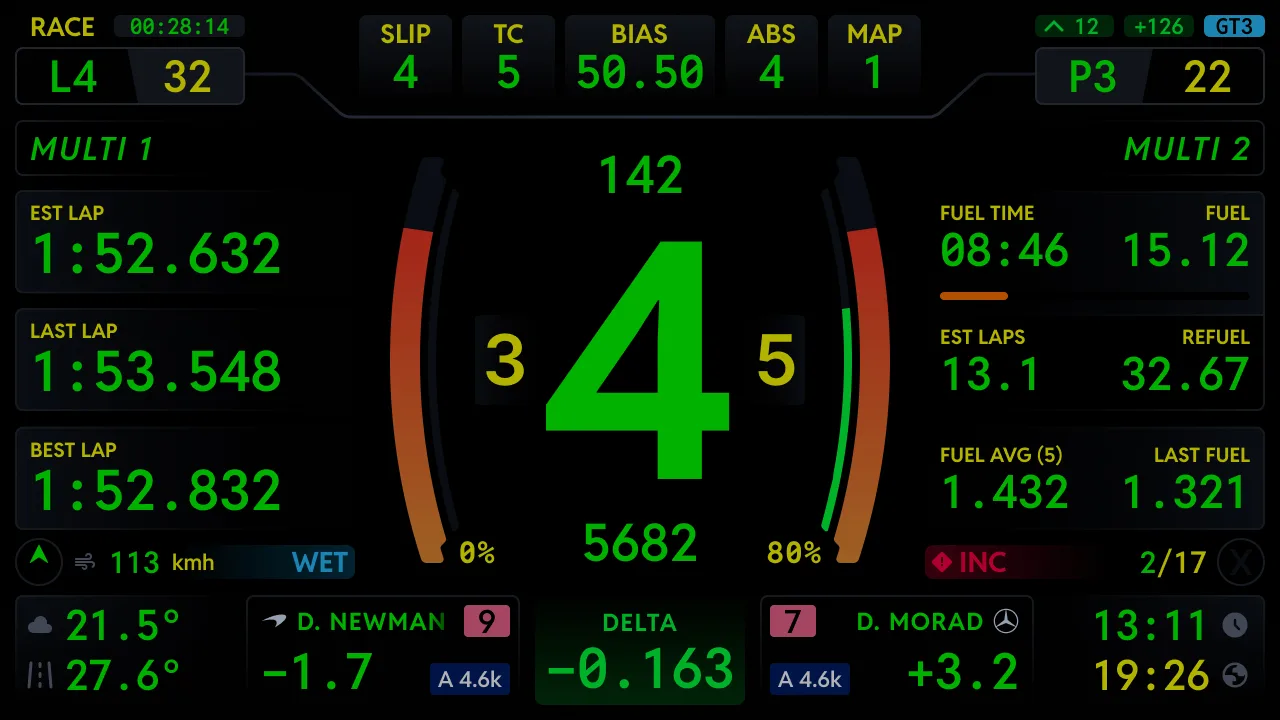
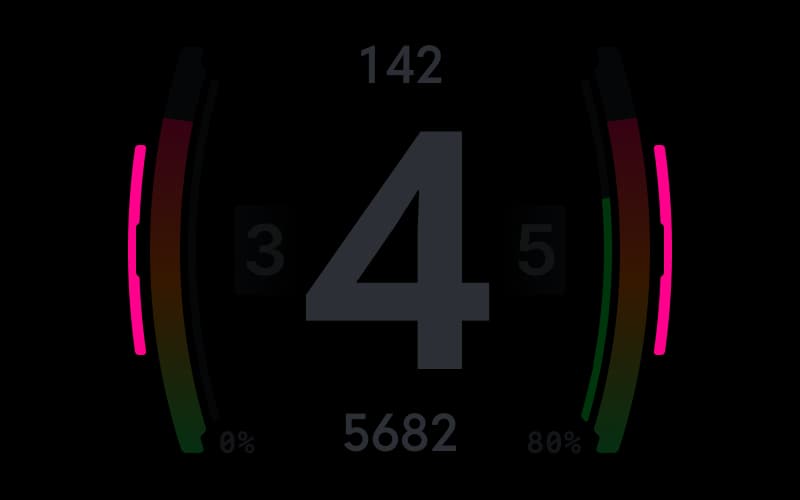
Dark mode
Four colours plus custom
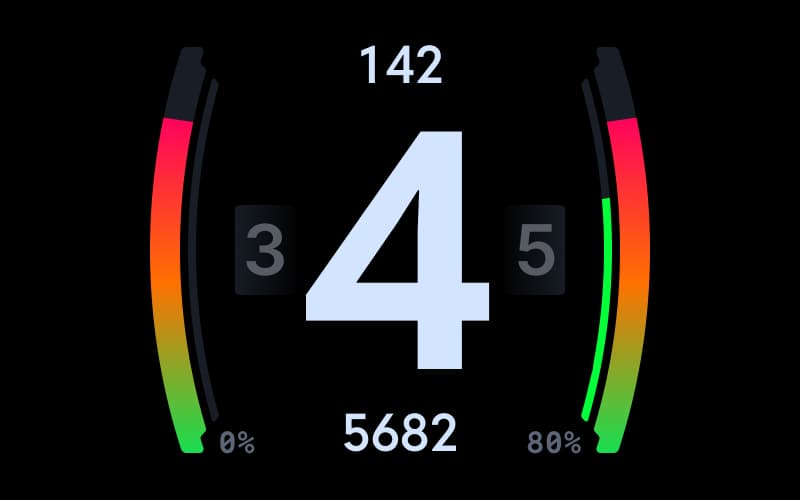
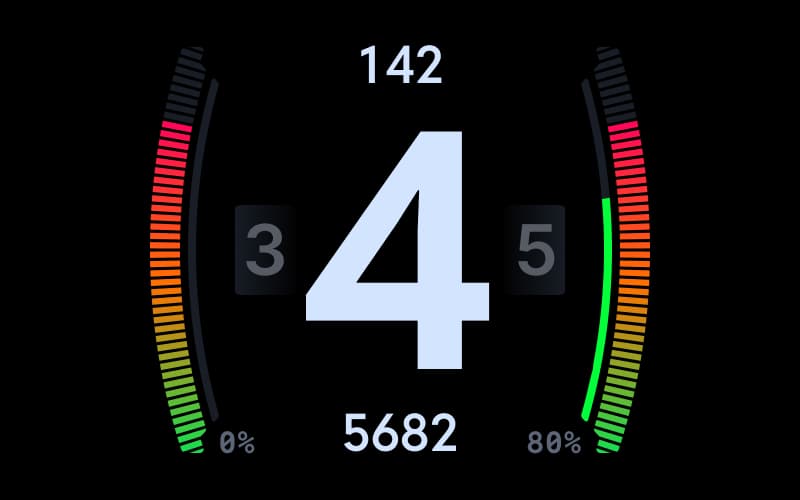
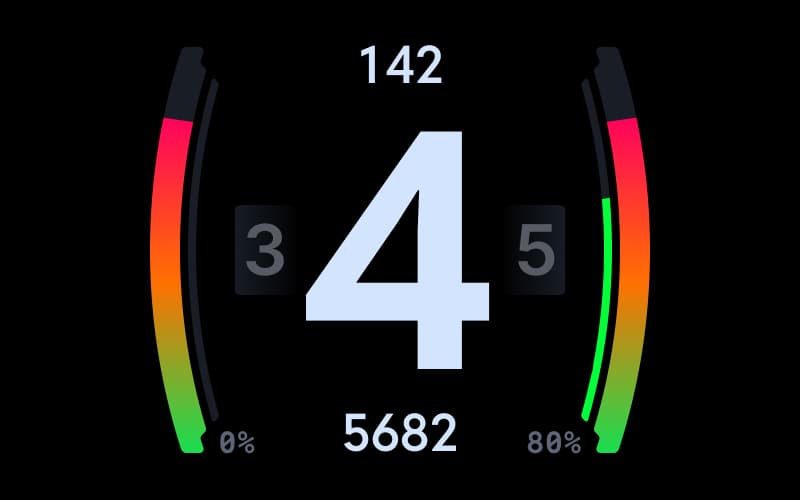
Gauge style
The centrepiece, your way
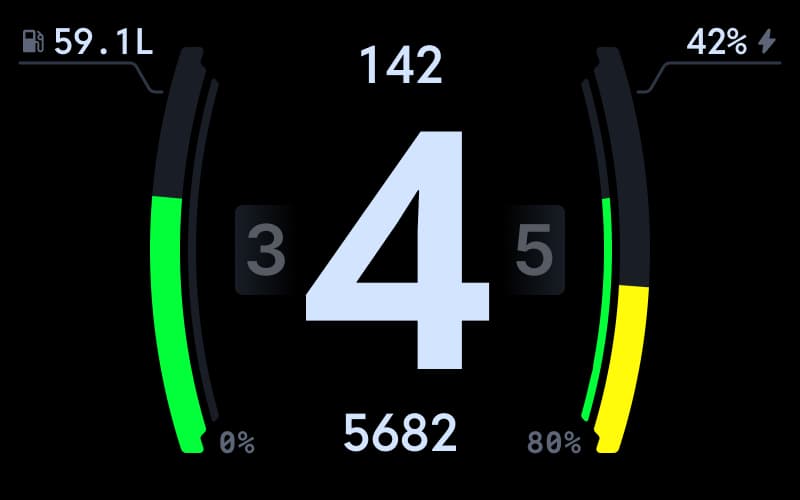
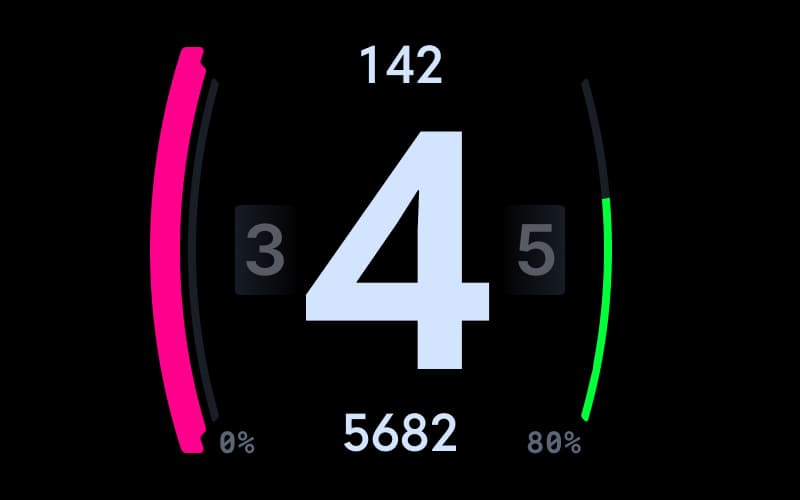
Gauge data
What the side bars measure



Zone C
Pick what lives beside the gauge
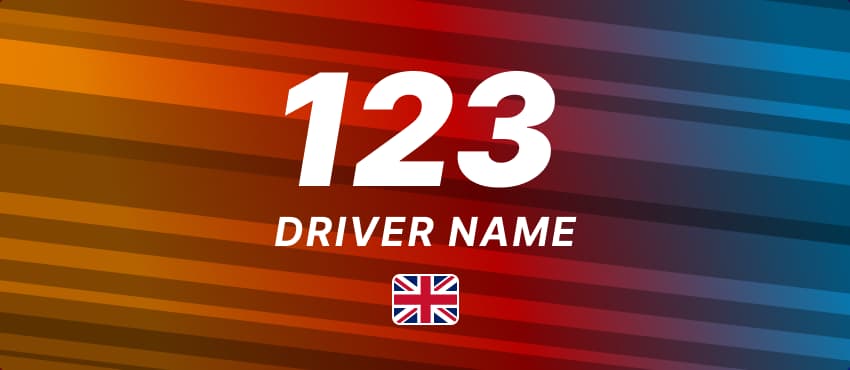
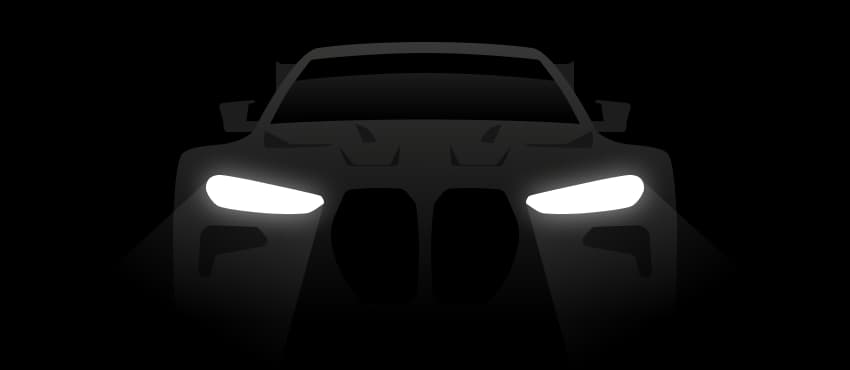
Idle themes
The screen between sessions
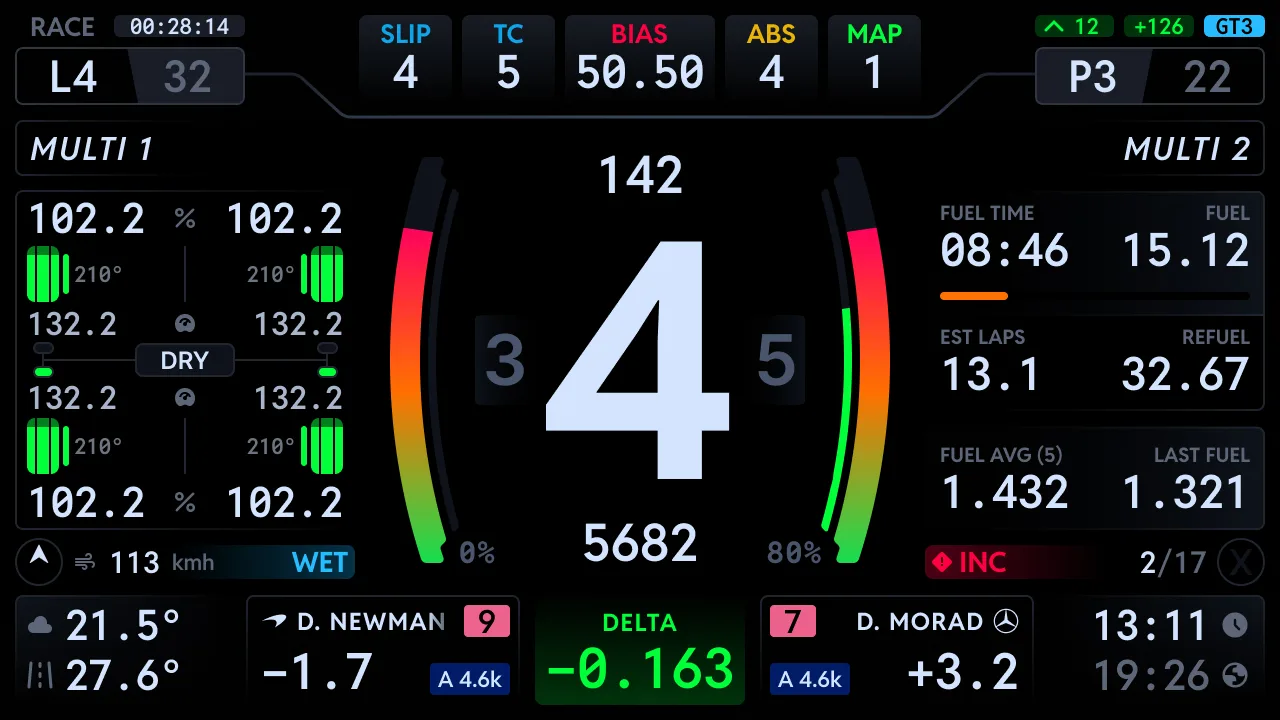
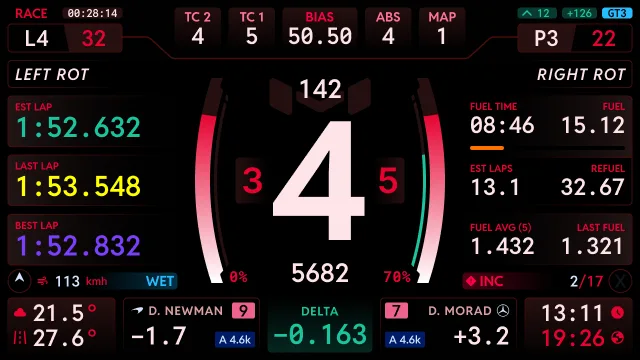
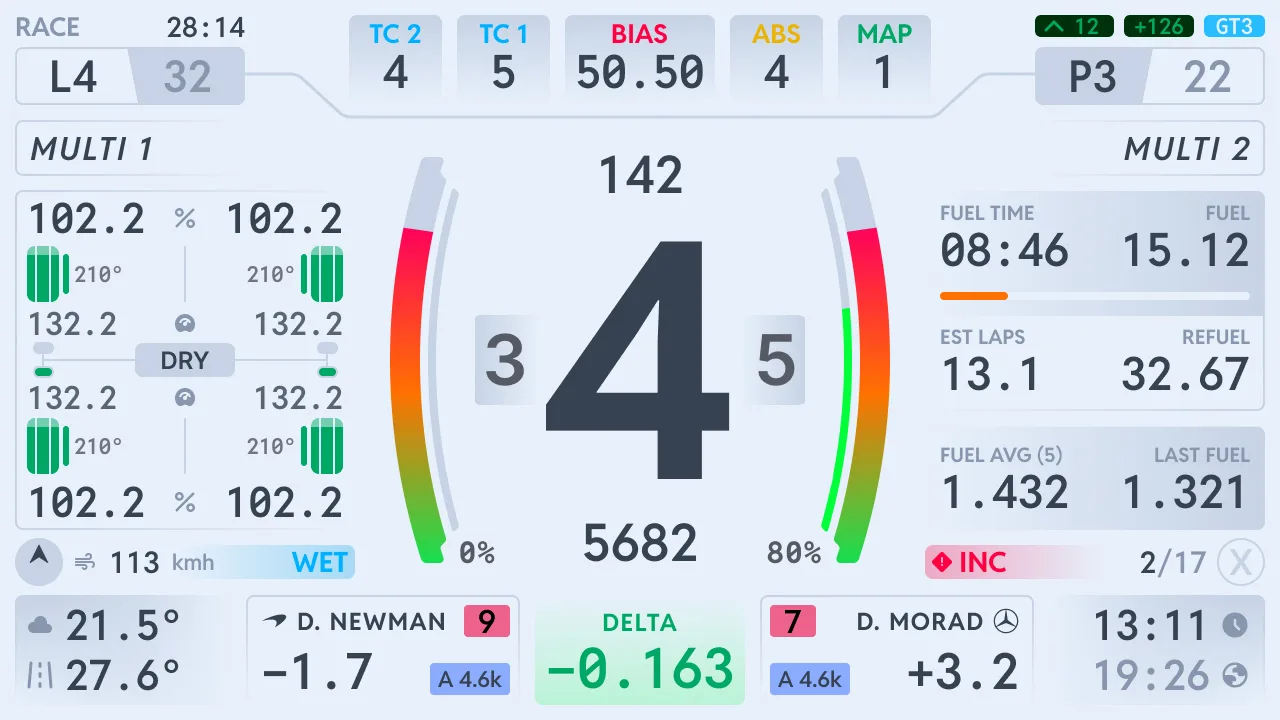
Display themes
Moradness, light or the classic look
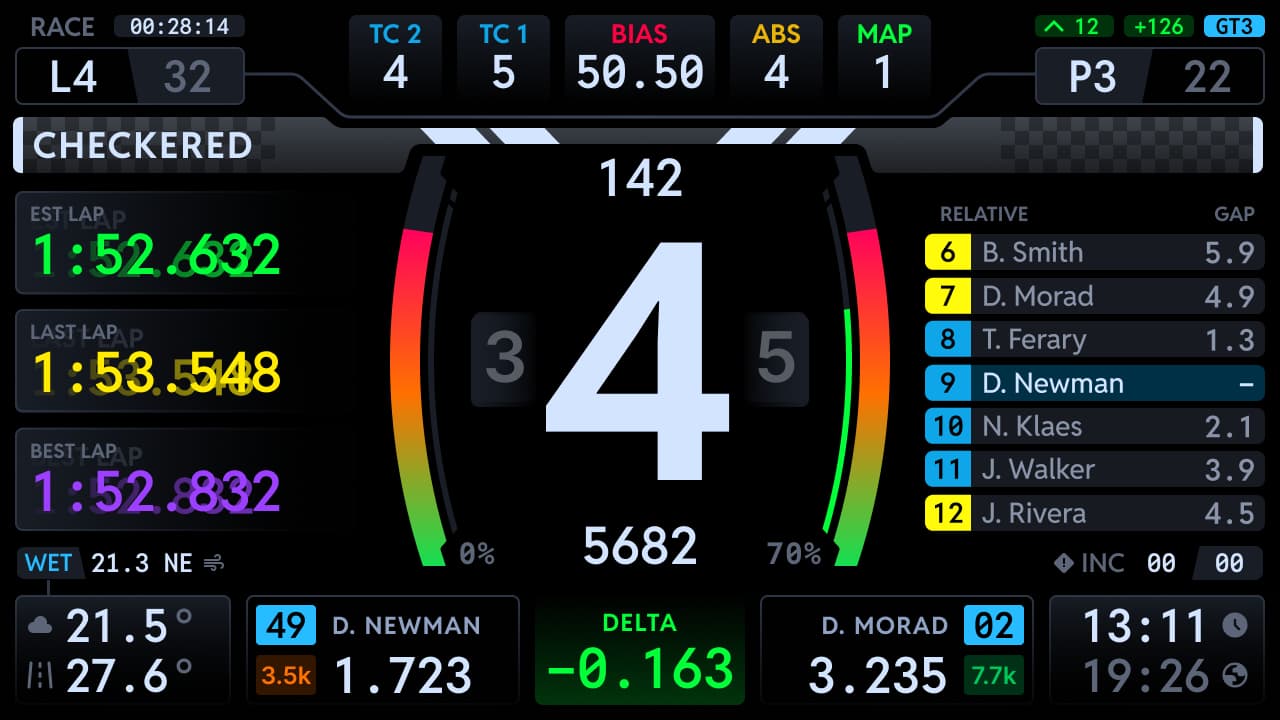
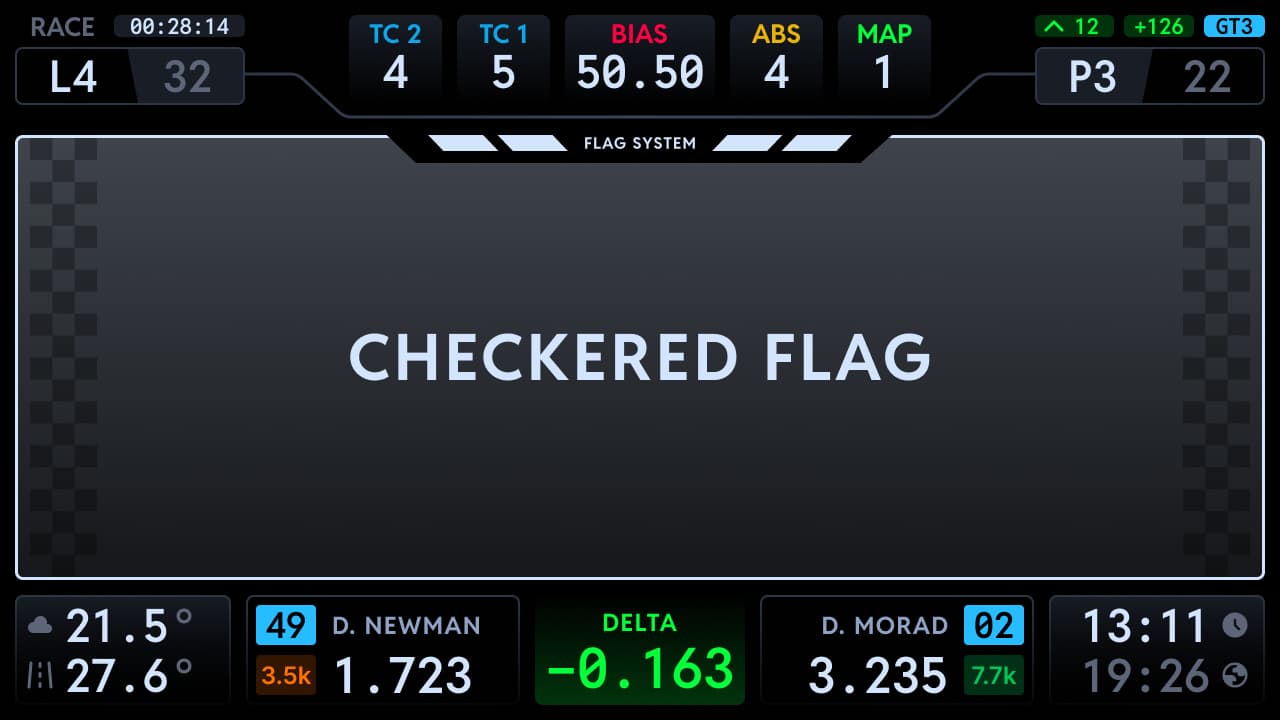
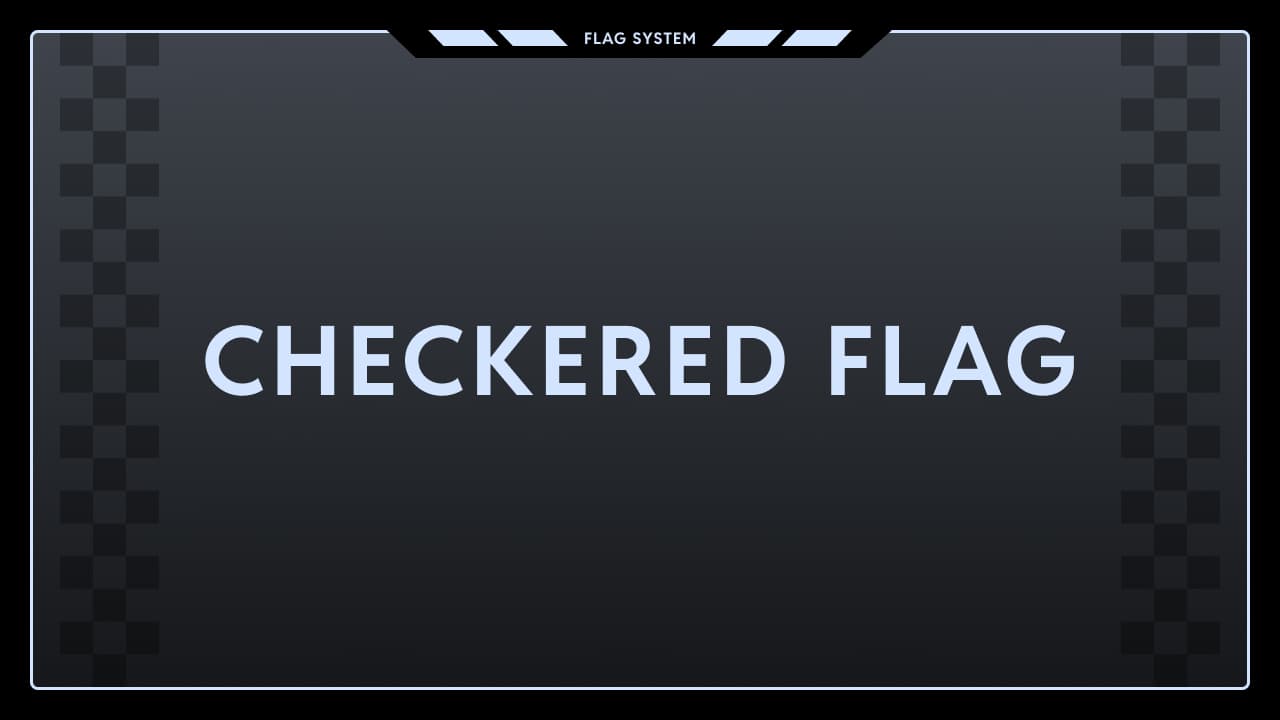
Flag alerts
How big the flags fly
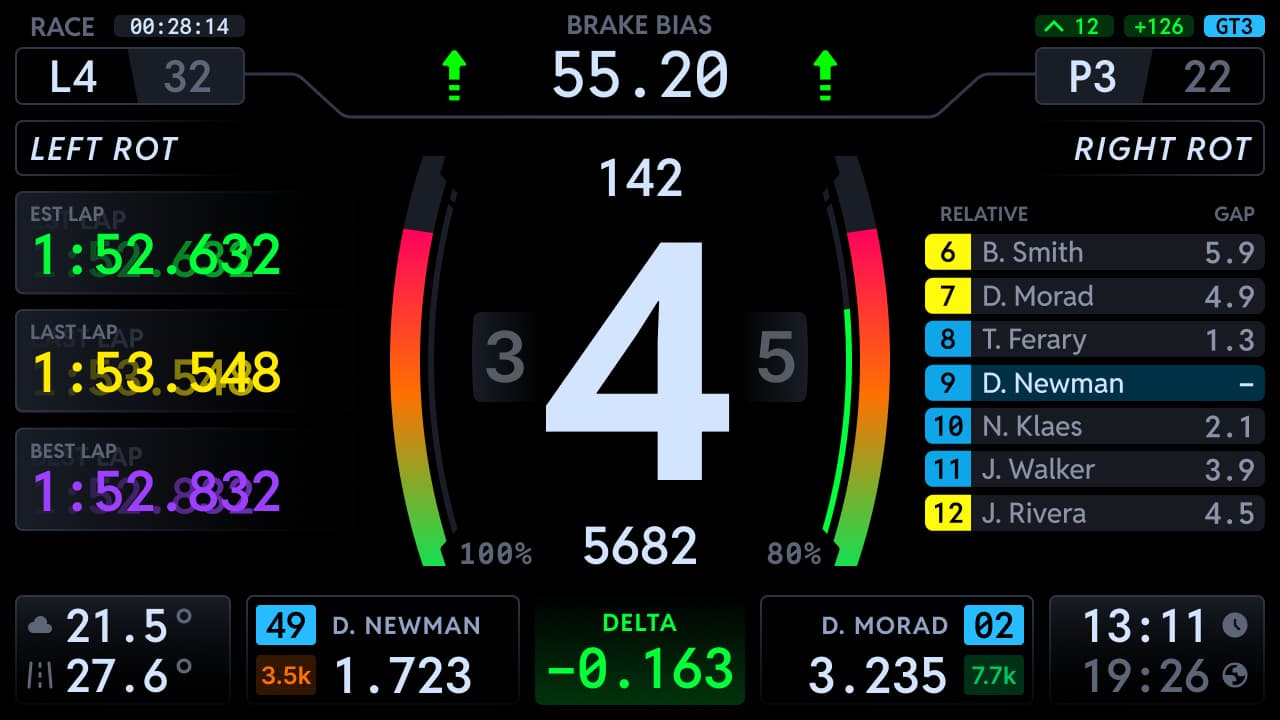
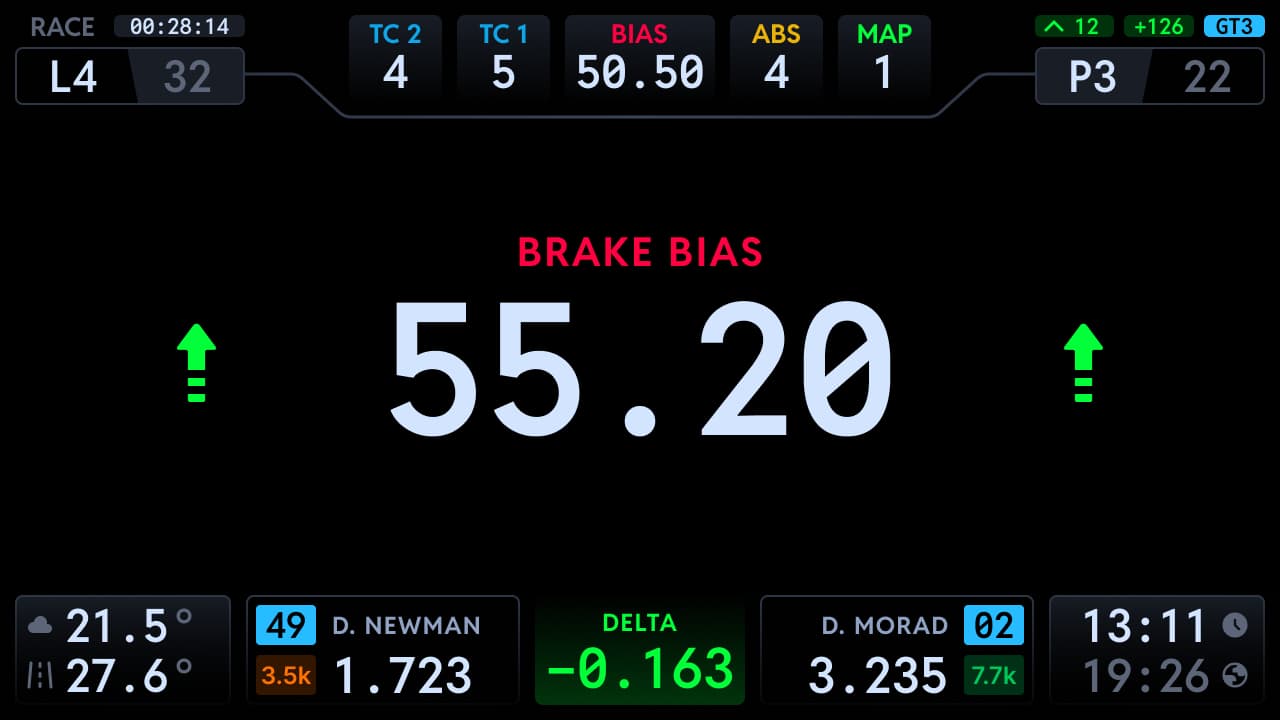
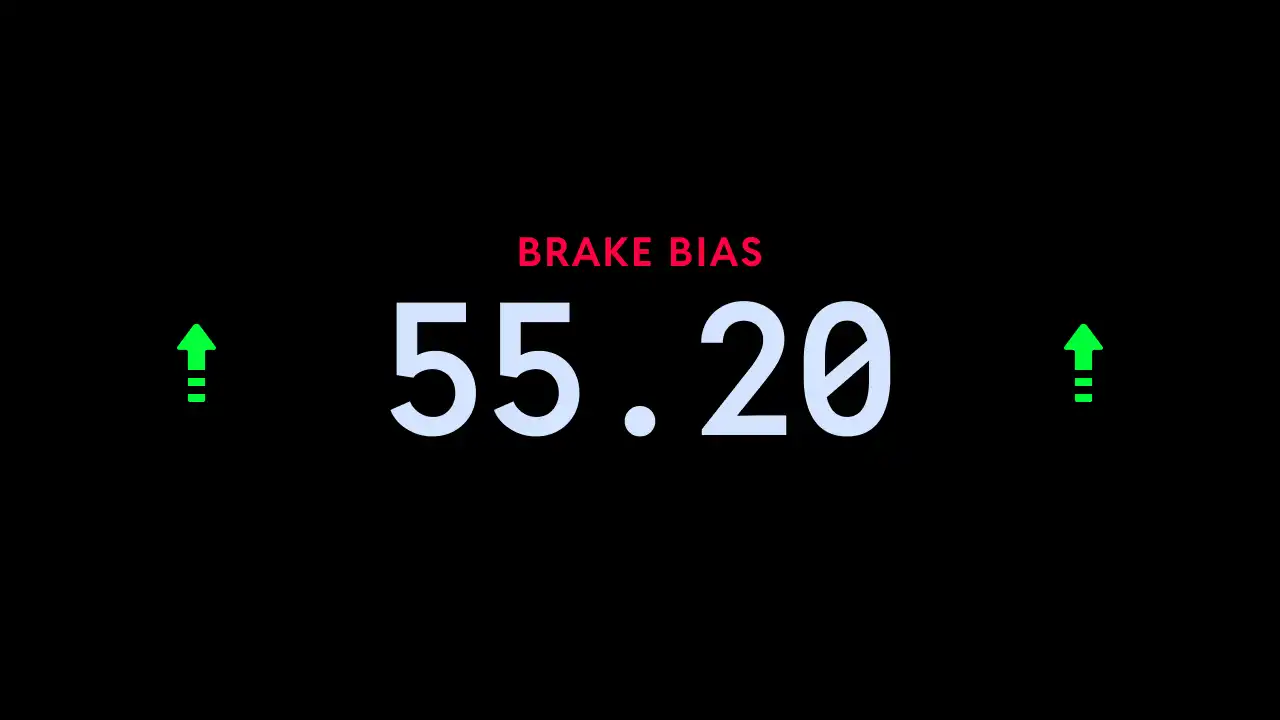
Pop ups
Setting changes drawn on screen
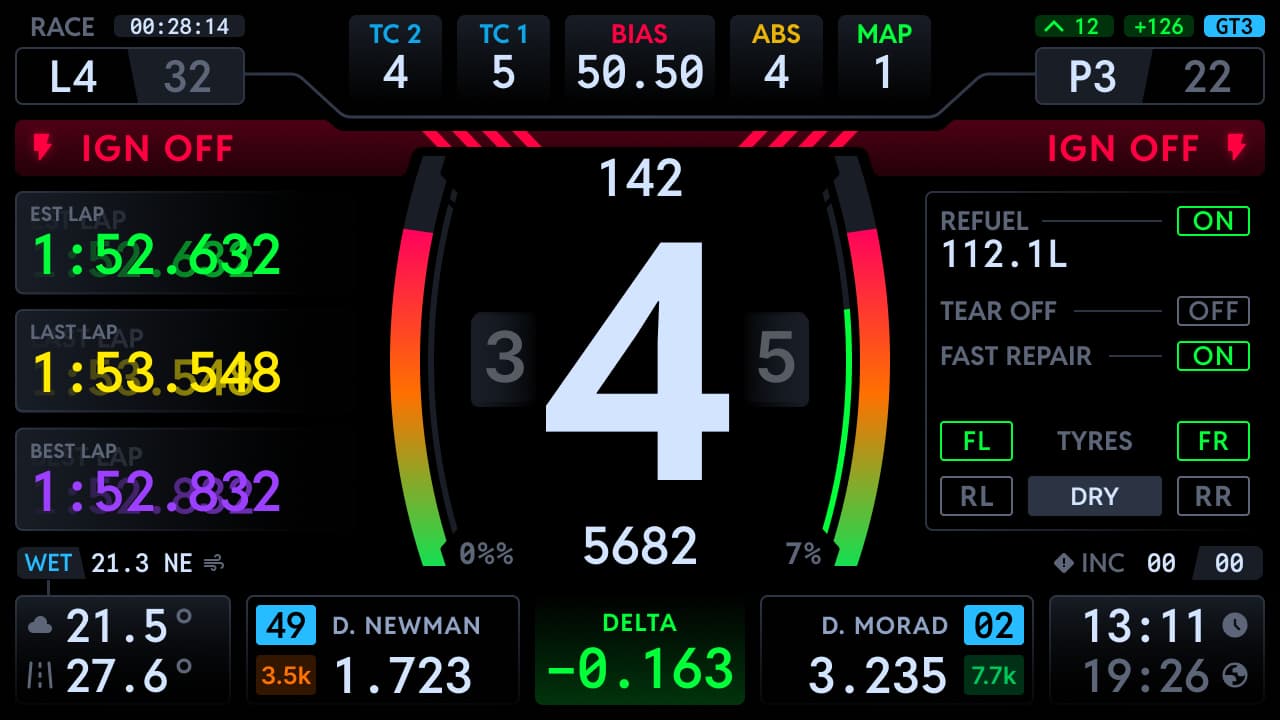
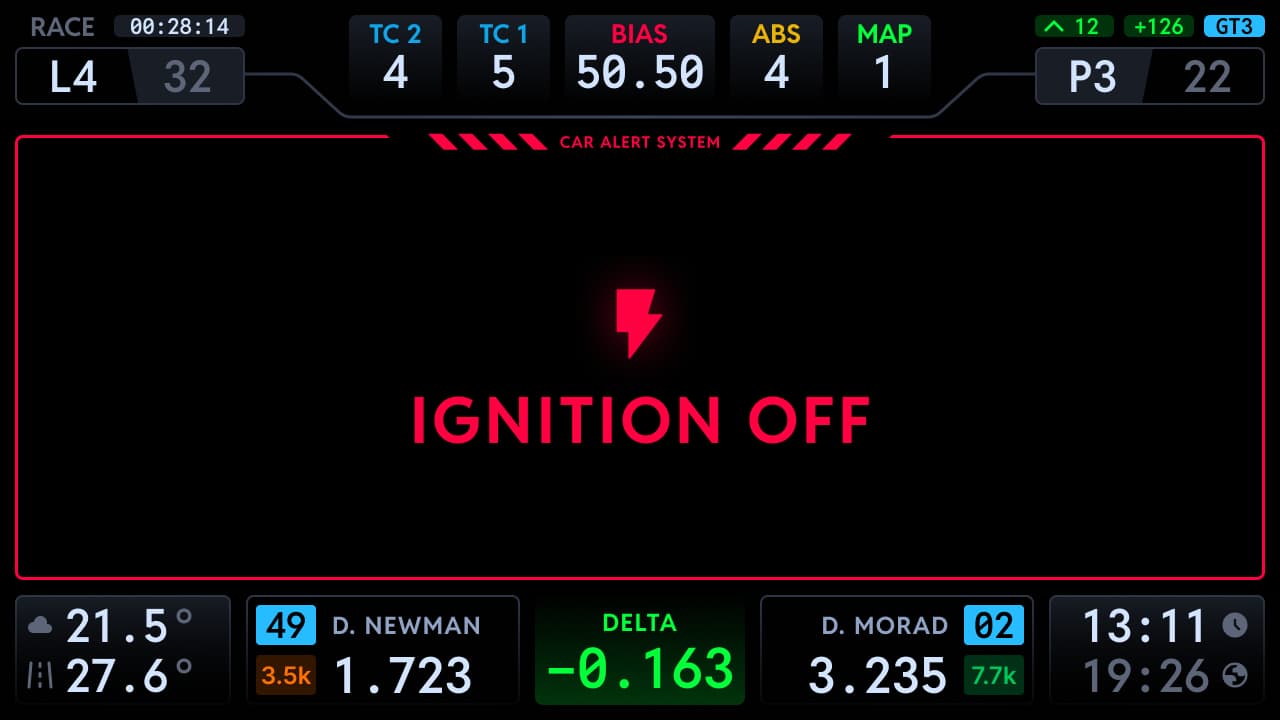
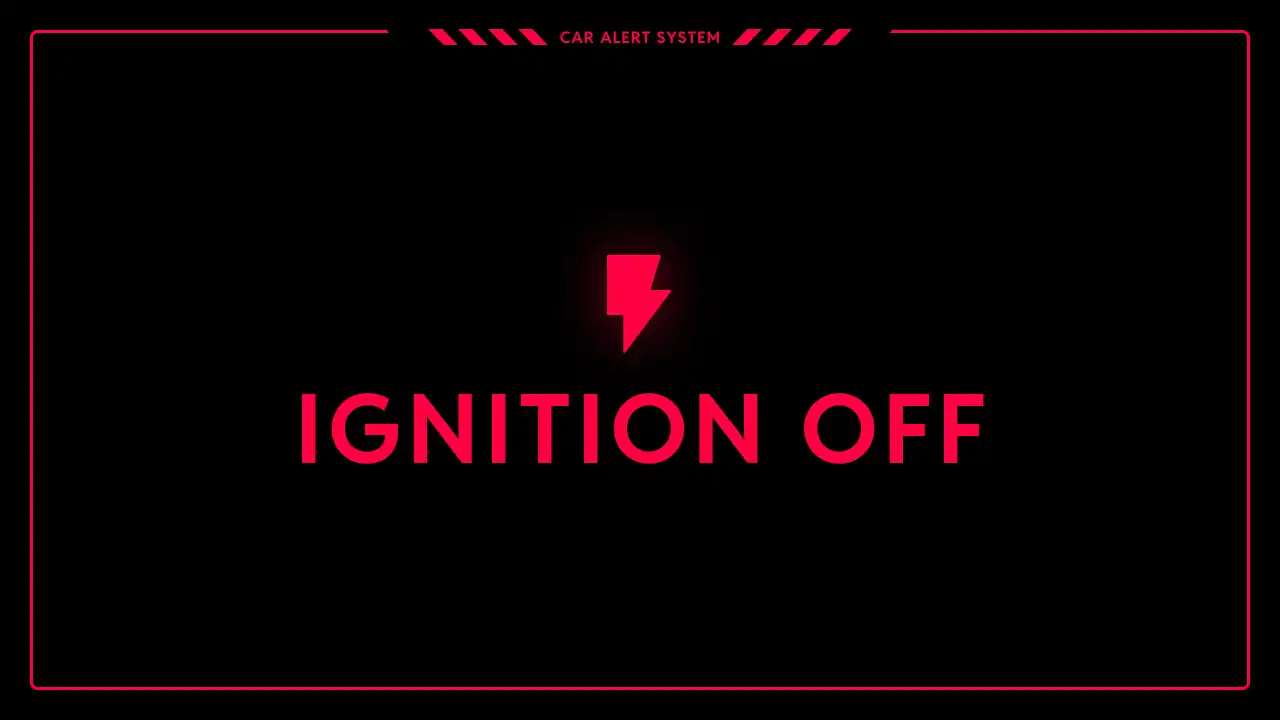
Car alerts
Ignition, stalls and car state
Seven dashboards, every one free
Beyond the flagship, six more displays cover ovals, stages, second screens, compact hardware, race management and seeing straight through your own dash.
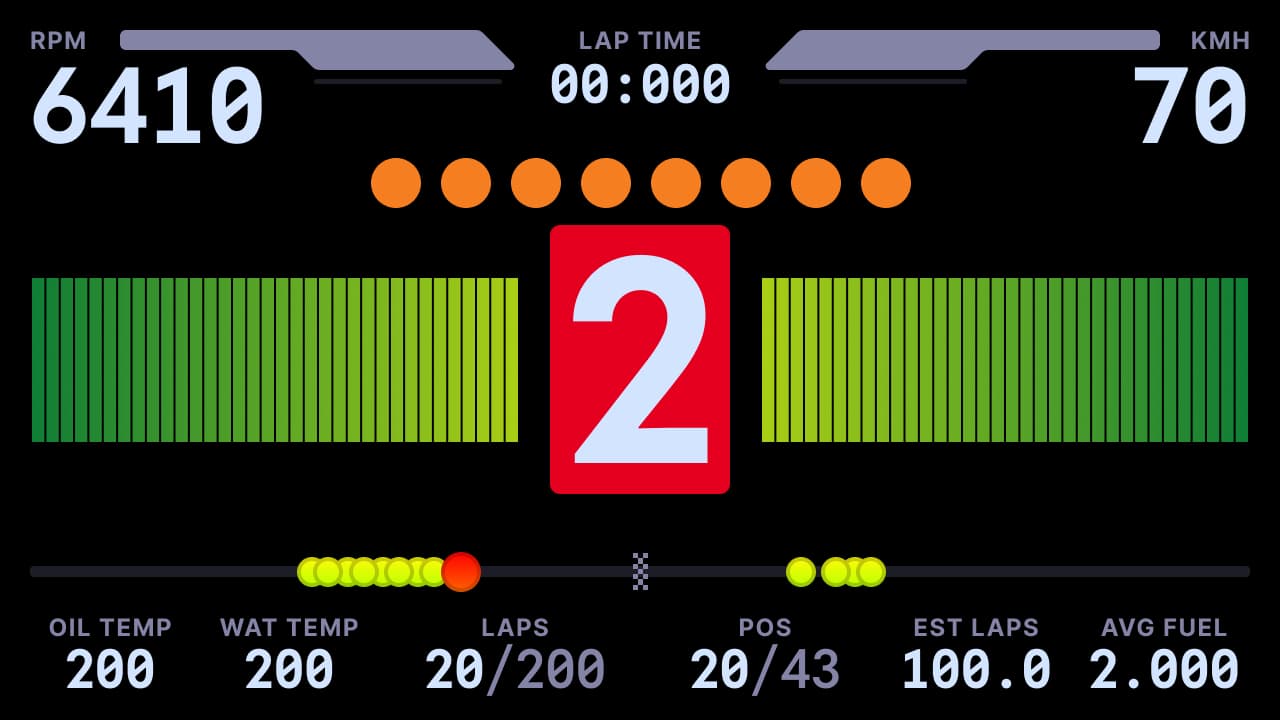
Speedway
Built for ovals: the data that matters at 200 mph in the draft, prioritised for pack racing.
- Oval optimised zones and data
- Standard and 10 inch XL formats
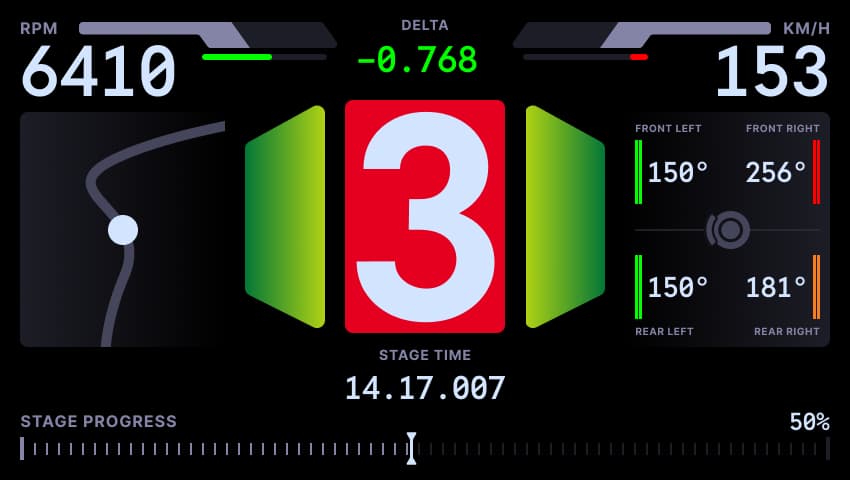
Rally
Stage focused: sectors, splits and car state for when the only opponent is the clock.
- Stage and sector focus
- Standard and 10 inch XL formats
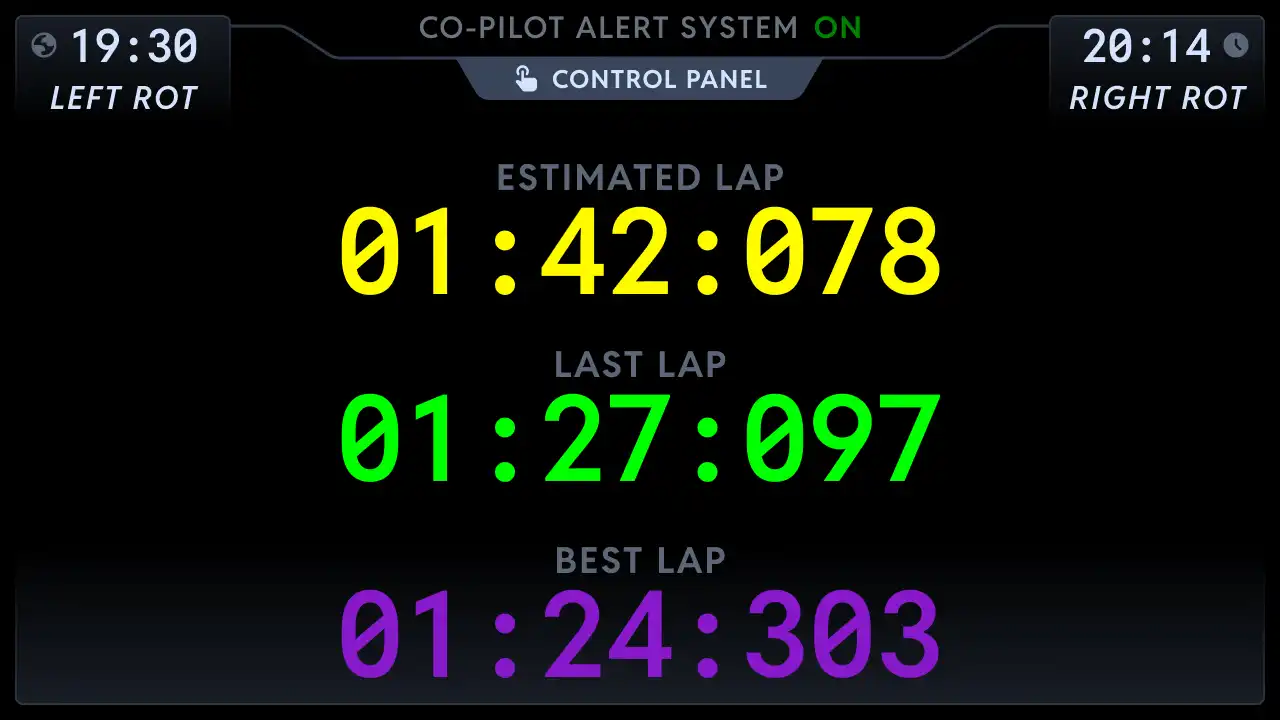
Co-Pilot
The second screen that earns its place: fourteen panels of timing, fuel, radar and more.
- 14 panels from lap times to web view
- Built as a companion display
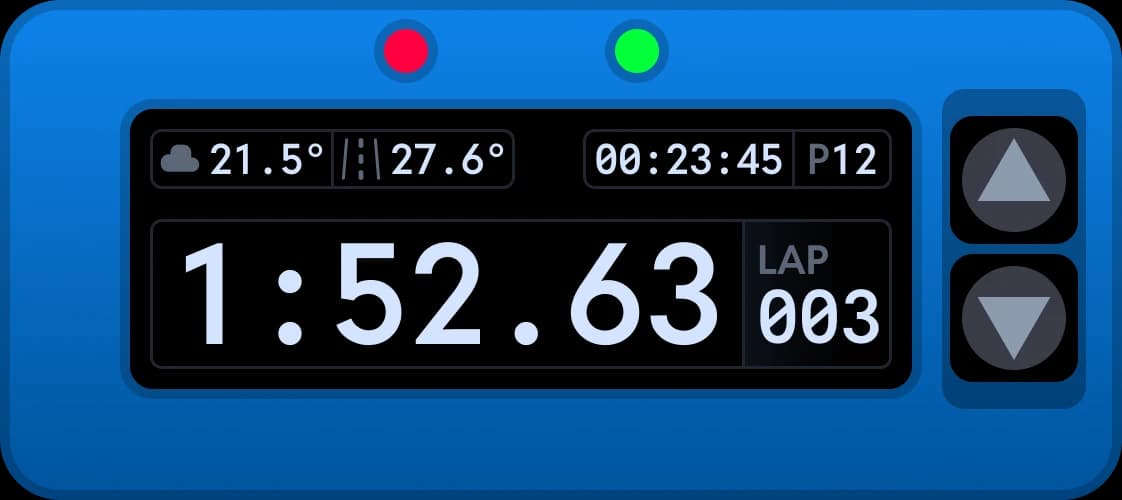
Chrono
The compact one. Over sixteen screens of timing, fuel and tyres, made for VoCore displays.
- 16+ screens on a compact display
- Full flag alerts and pop ups
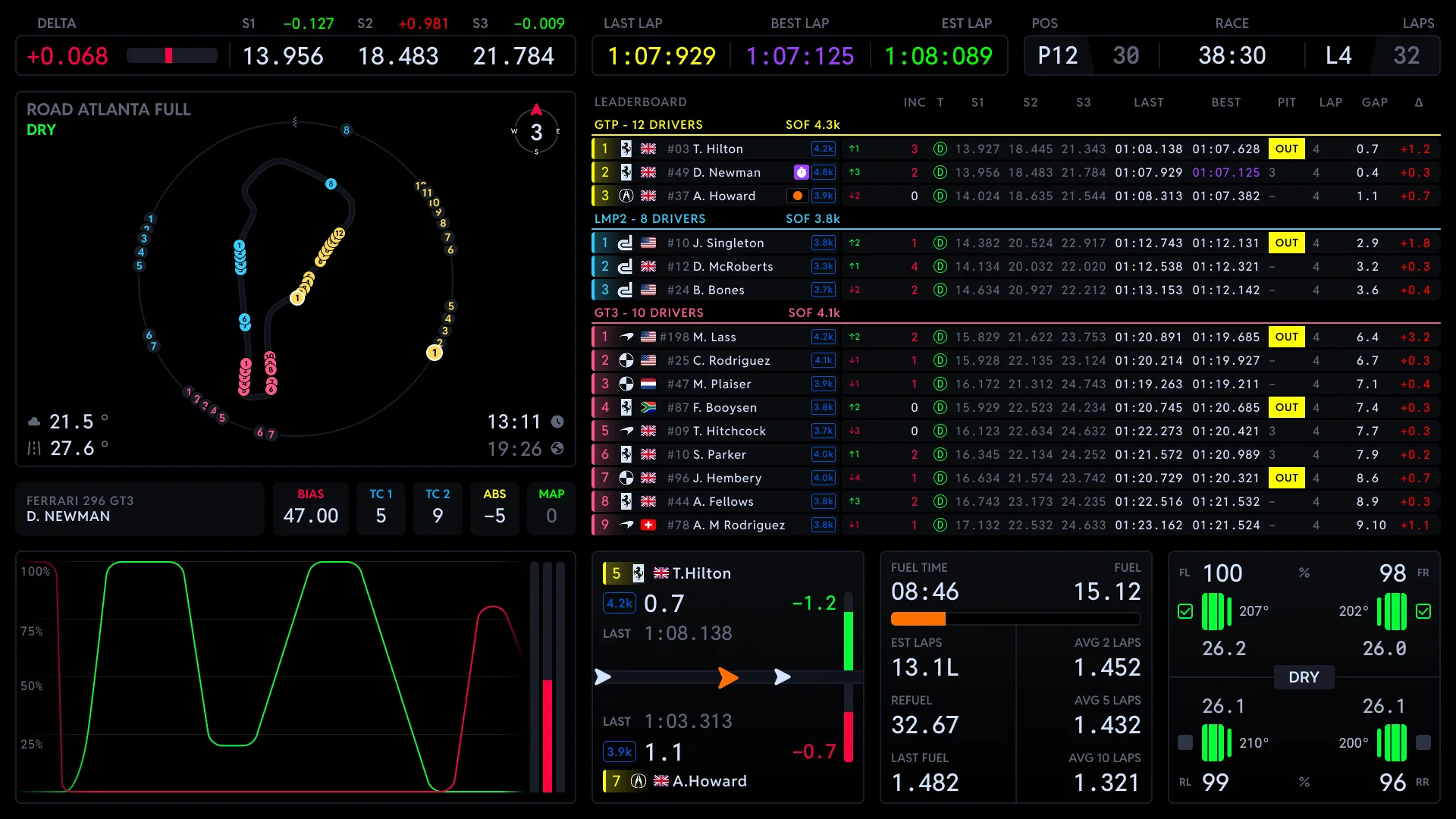
Race Control
Race monitoring and strategy at a glance, made for running the race rather than just driving it.
- Monitoring and strategy views
- Team coordination friendly
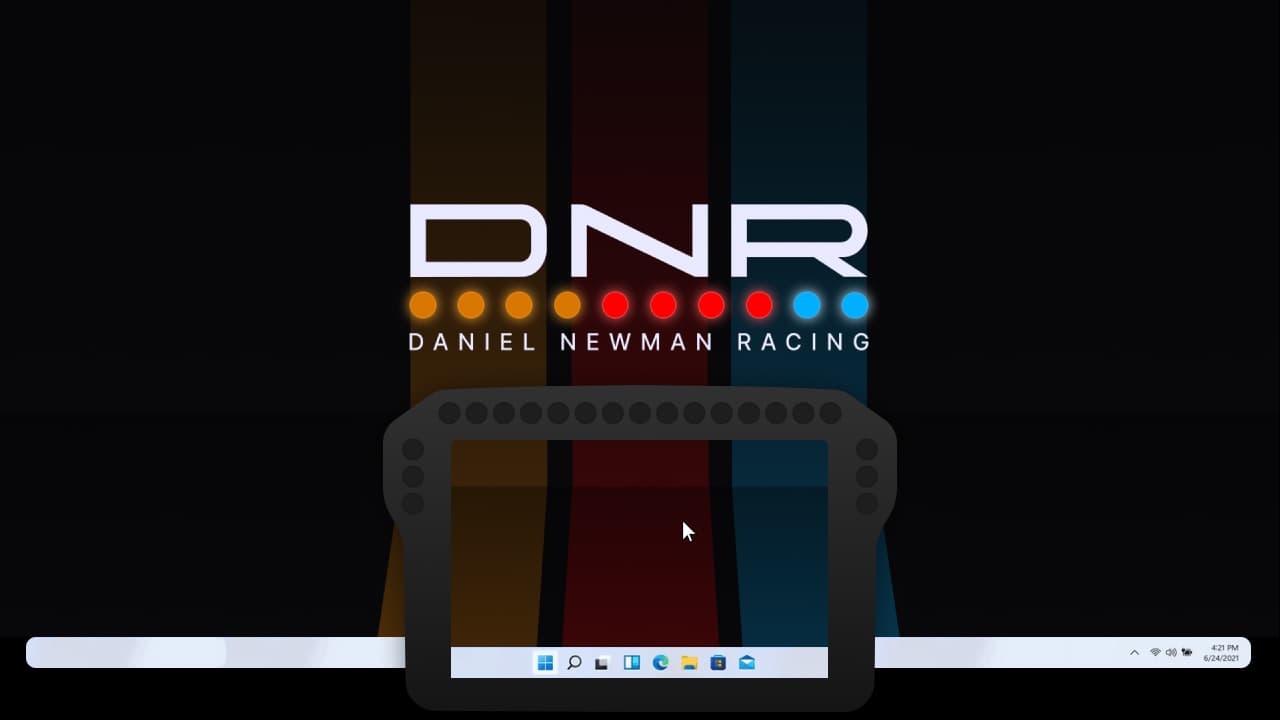
Invisible
X-ray vision for your rig: see the sim straight through your physical dash or wheel, toggled by hotkey.
- Screen capture see-through
- Hotkey on and off
Sixteen screens on one little display
The compact Chrono packs the whole strategy desk onto a VoCore sized screen. Flick through what it can show.
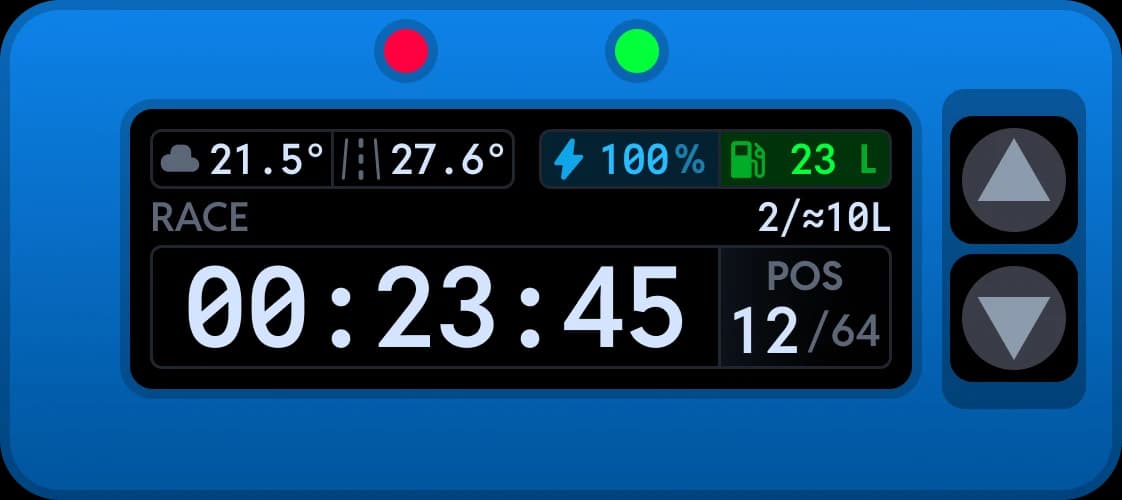
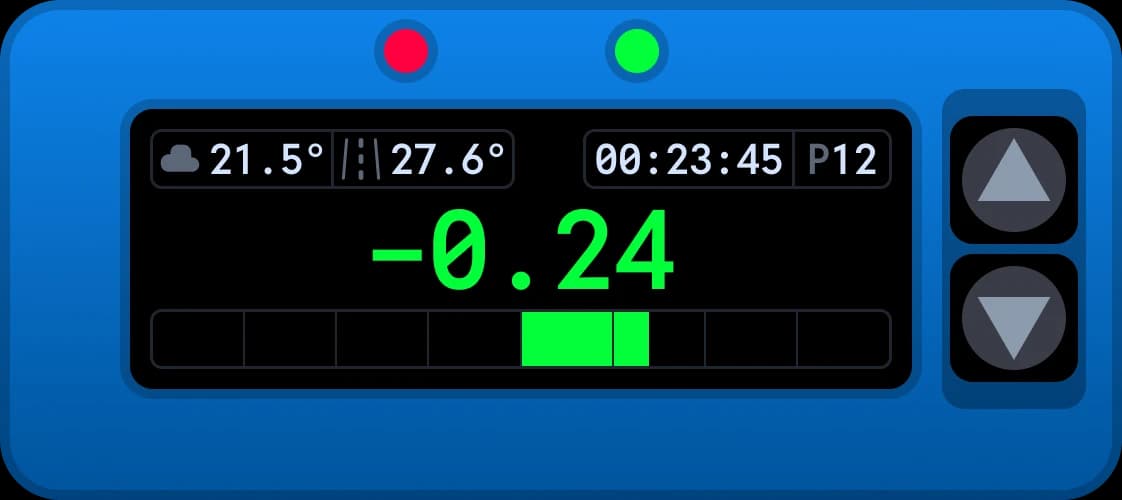
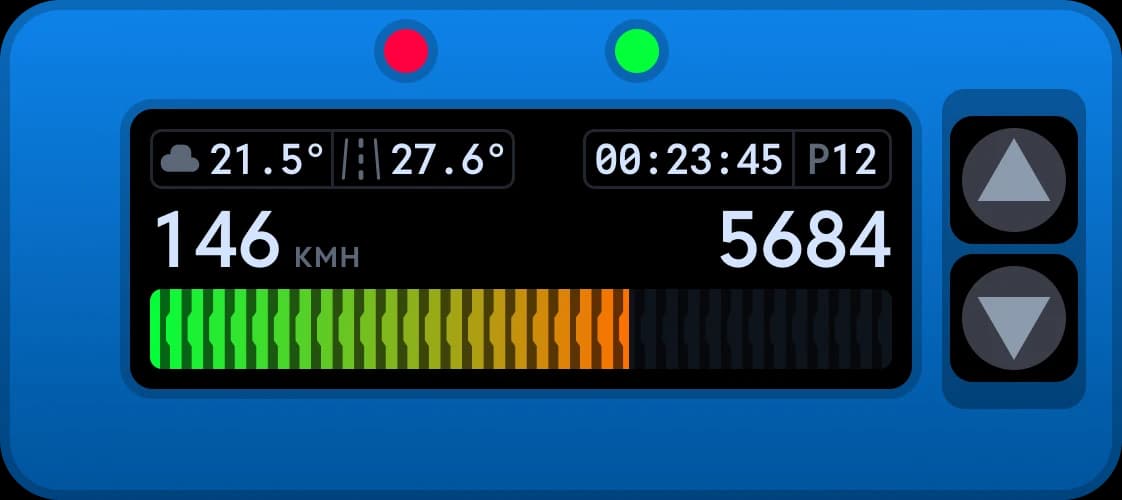
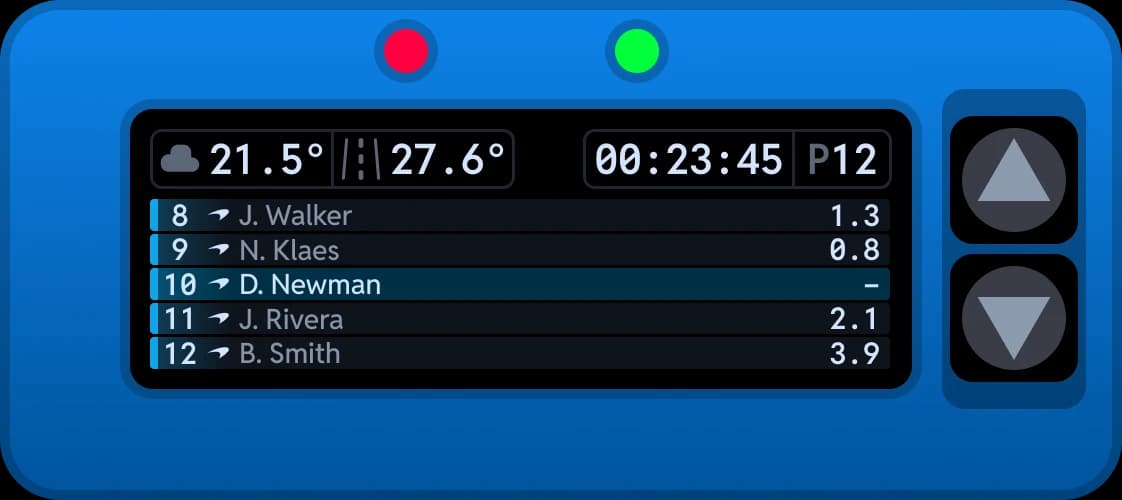
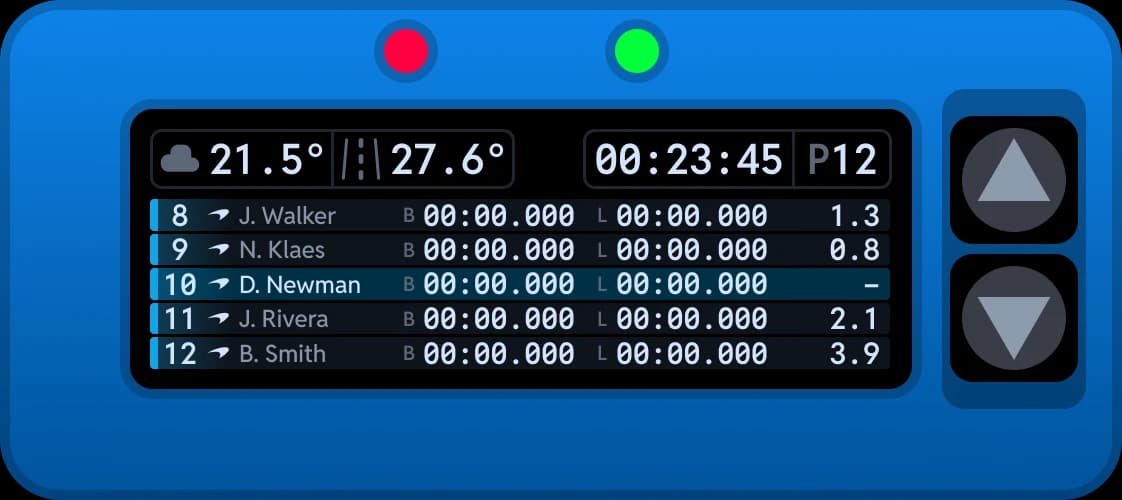
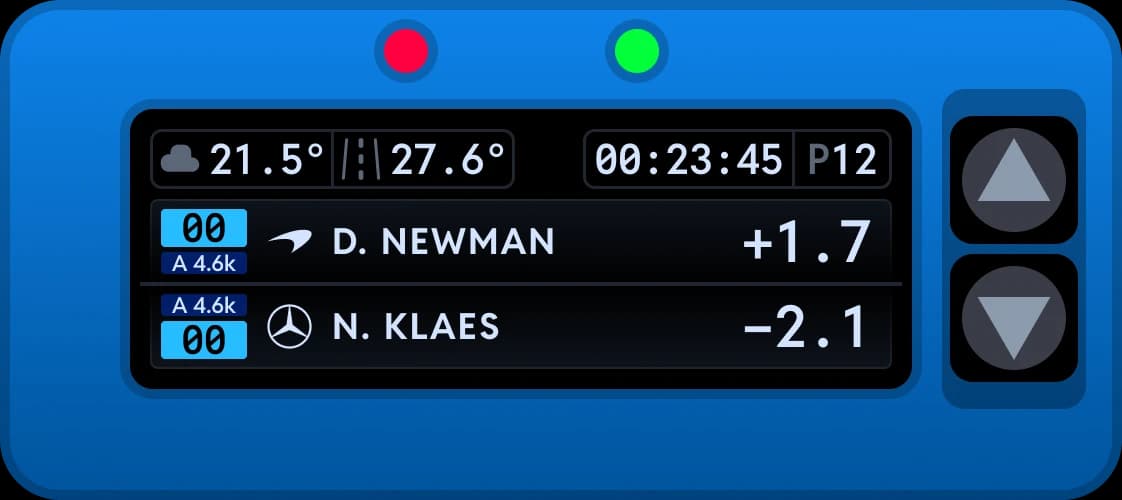
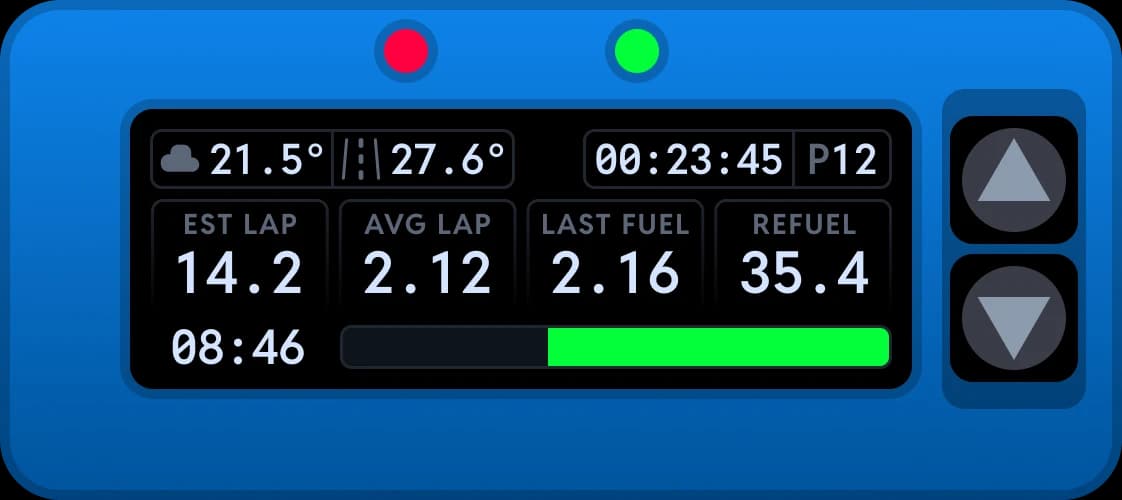
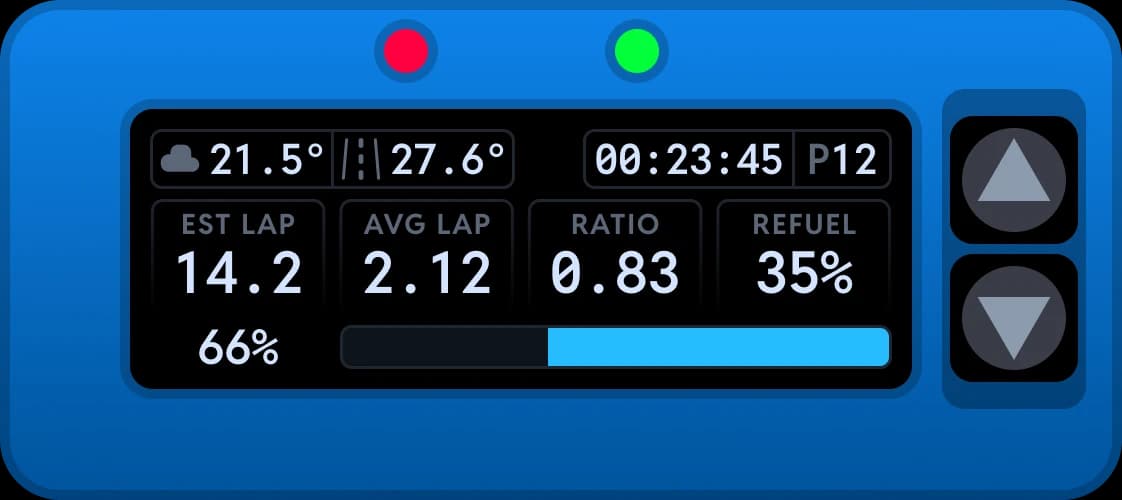
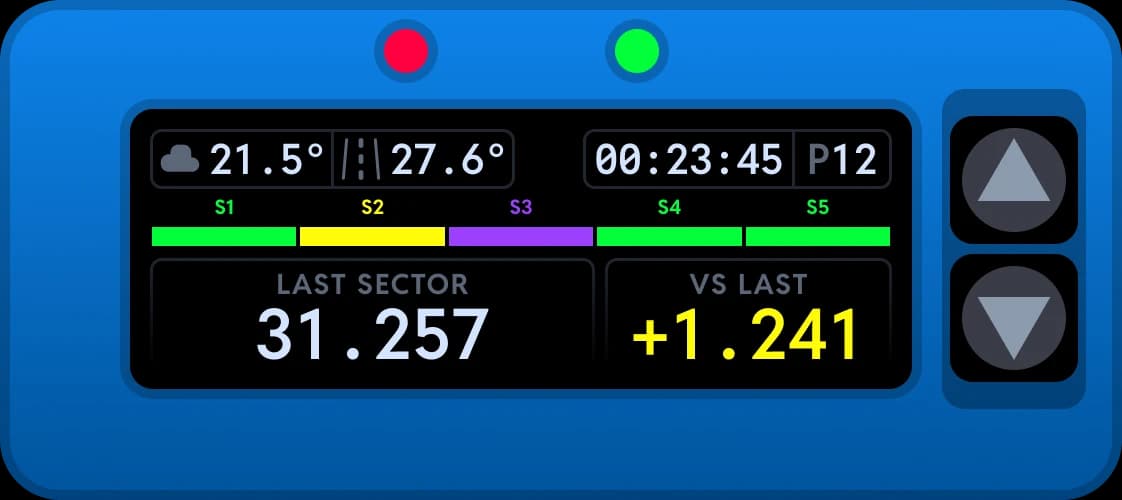
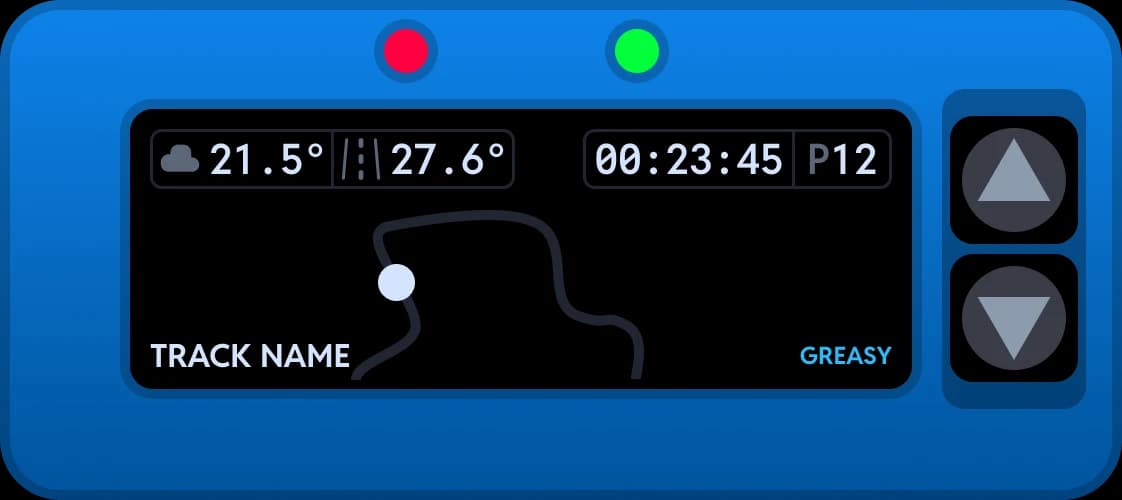
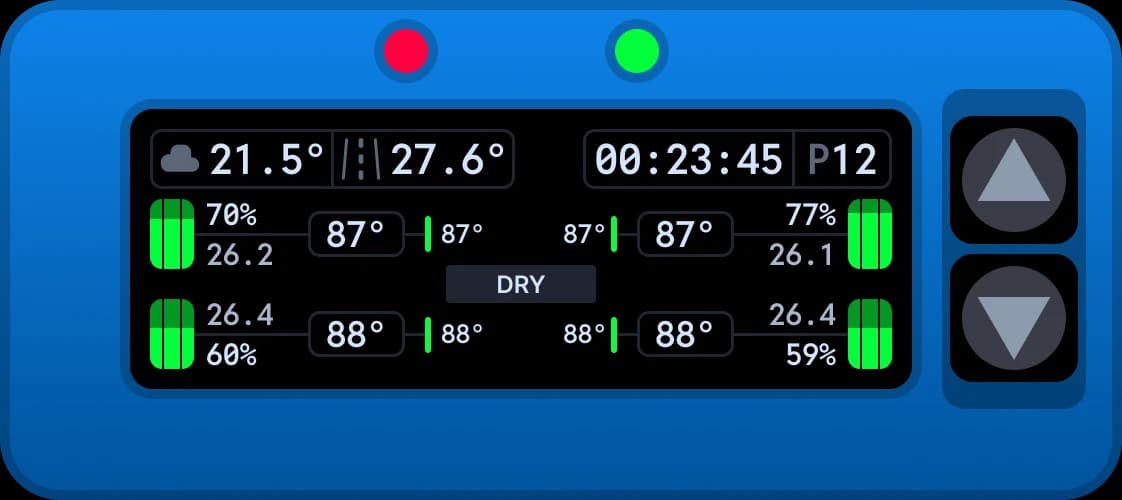
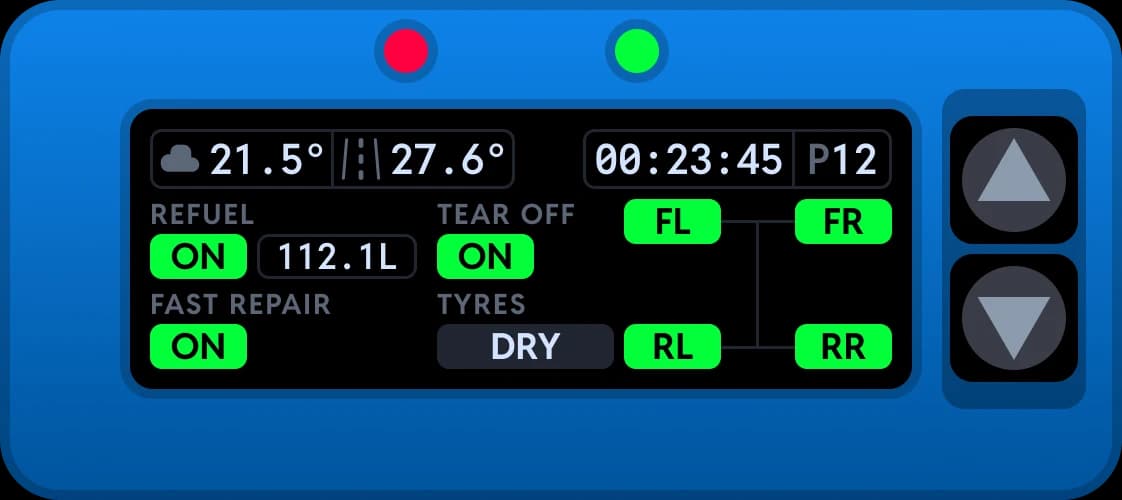
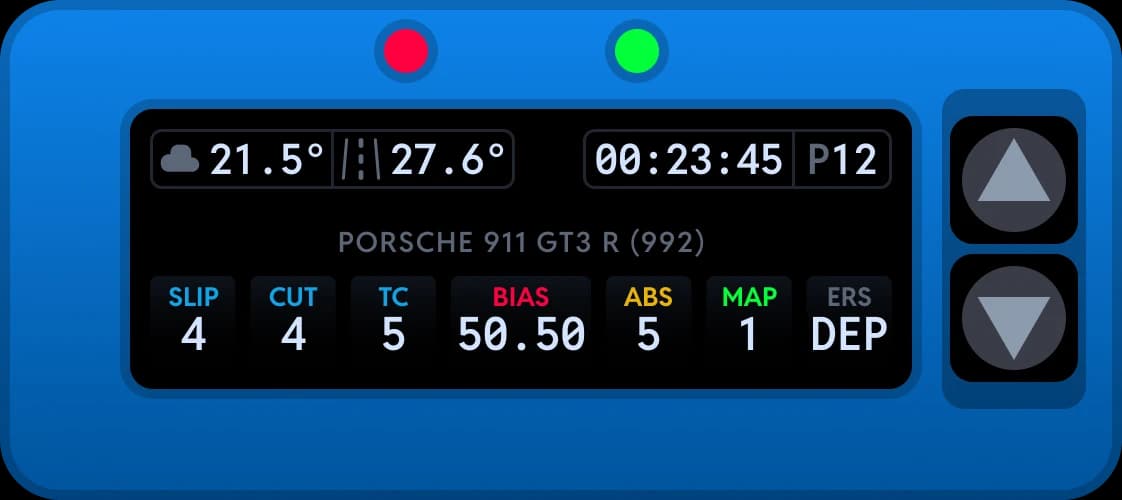
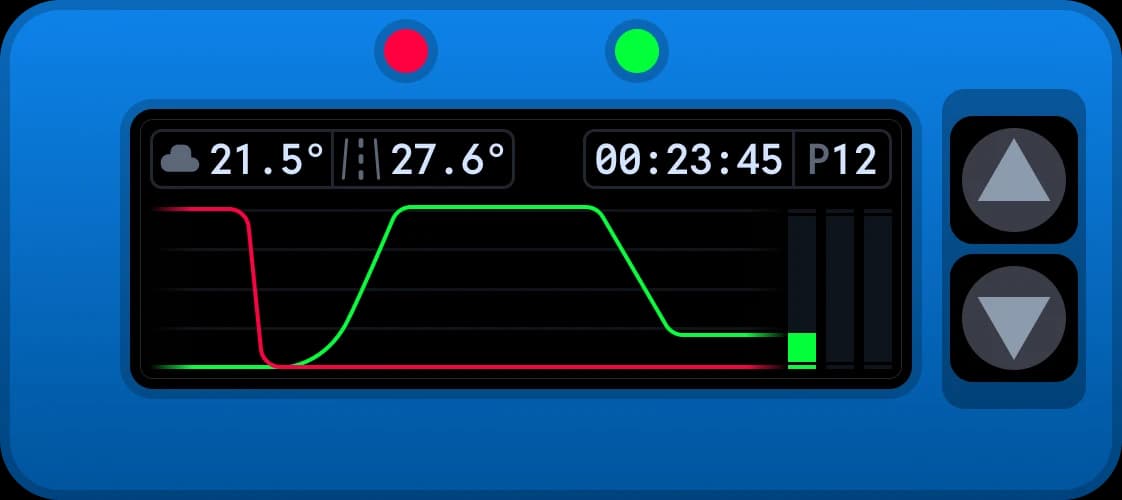
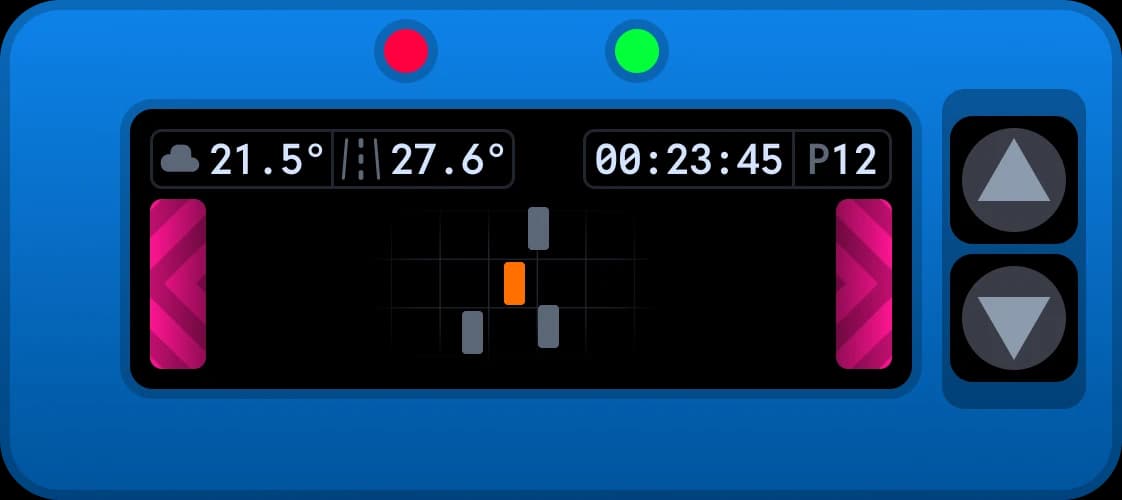
Sixteen screens, tap to flick through
Your pit lane strategist, on a screen
Race Control watches the whole race: the field, the battles, fuel and tyres on one page, a live track map on the next and telemetry traces on the third. Views like this are usually a paid product of their own. Race Control is free for every driver, and only the customisation asks for a membership.
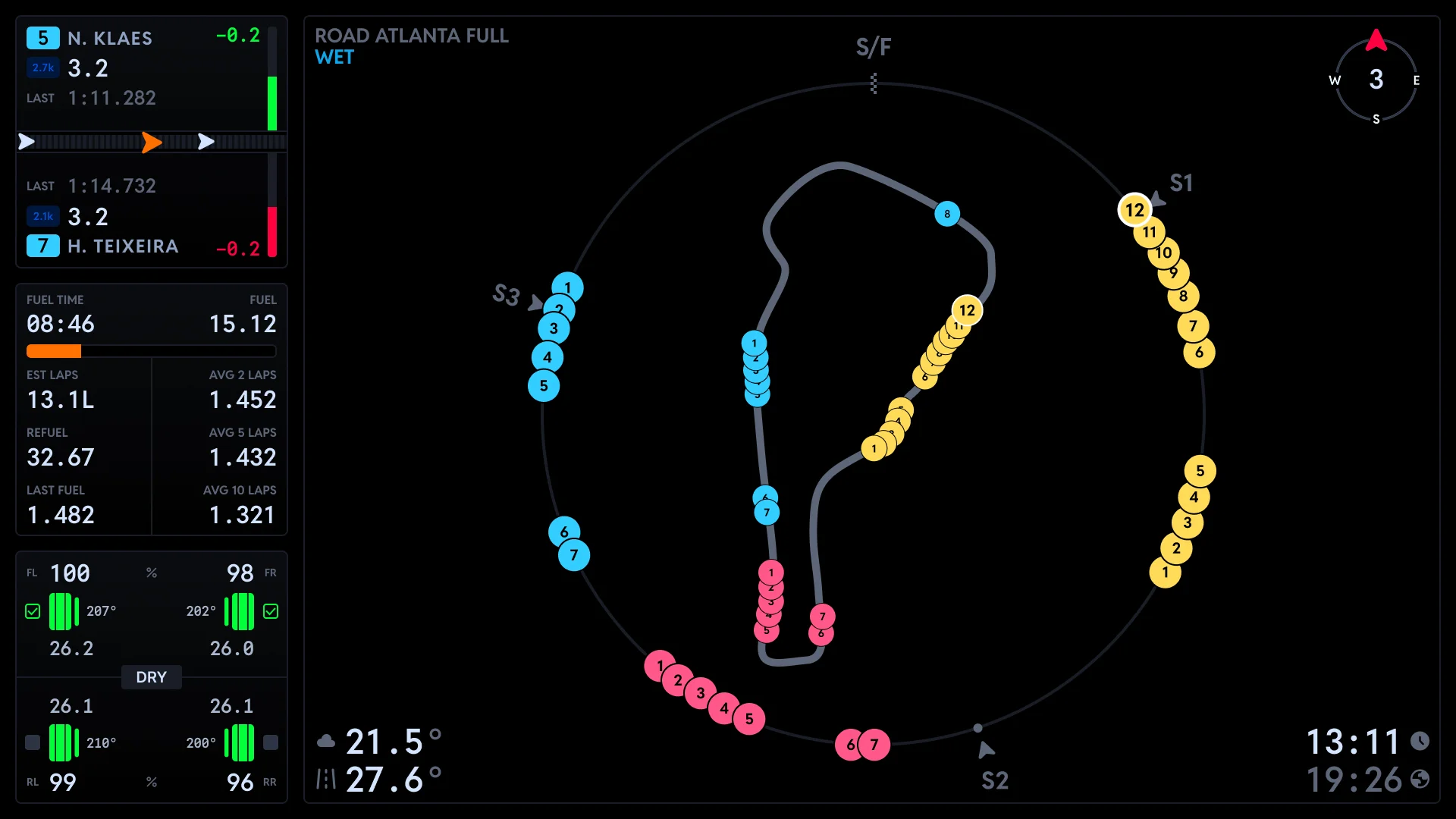
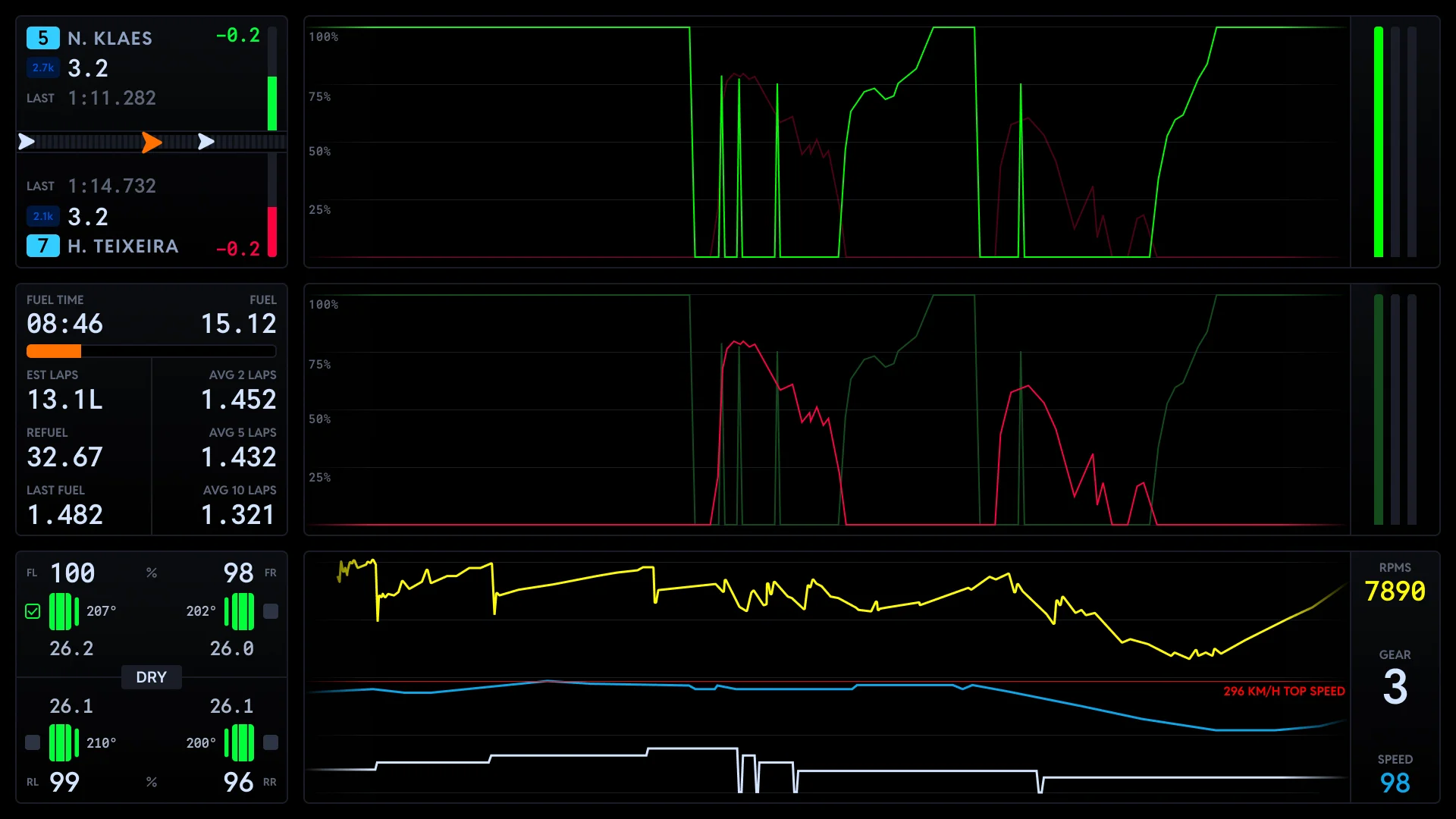
Three pages, tap to flick through
The family traits
Whichever dashboard you run, the essentials come with it.
Dark mode
Four colours plus custom for late sessions.
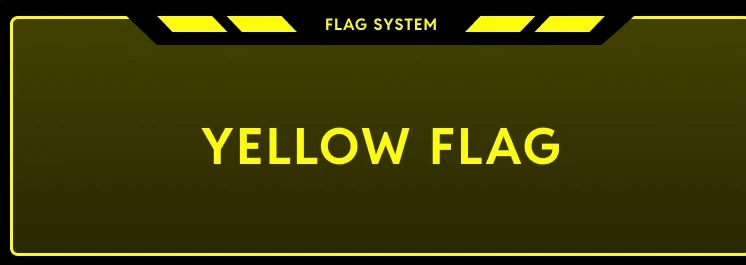
Flag alerts
The full flag stack, drawn the moment it flies.
Alerts and pop ups
Car state, incidents and setting changes.
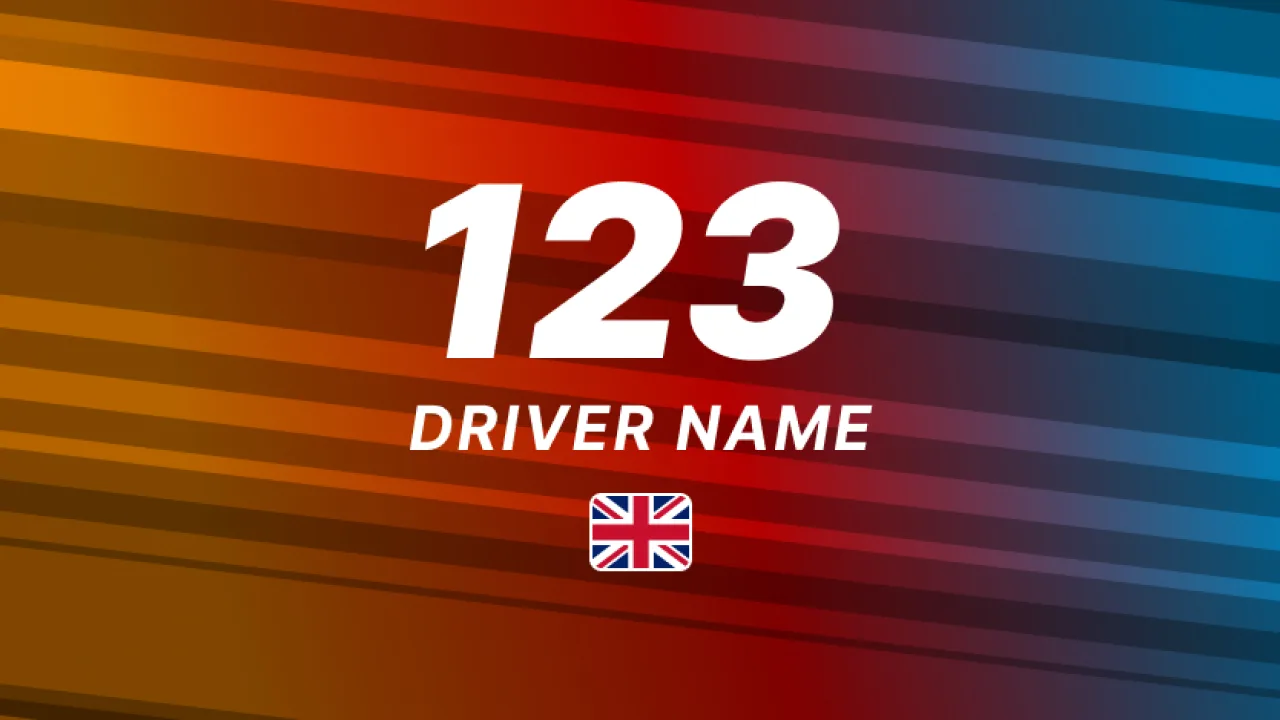
Idle themes
DNR, driver, car or your own custom look.
Light themes
Bright variants for bright rooms.
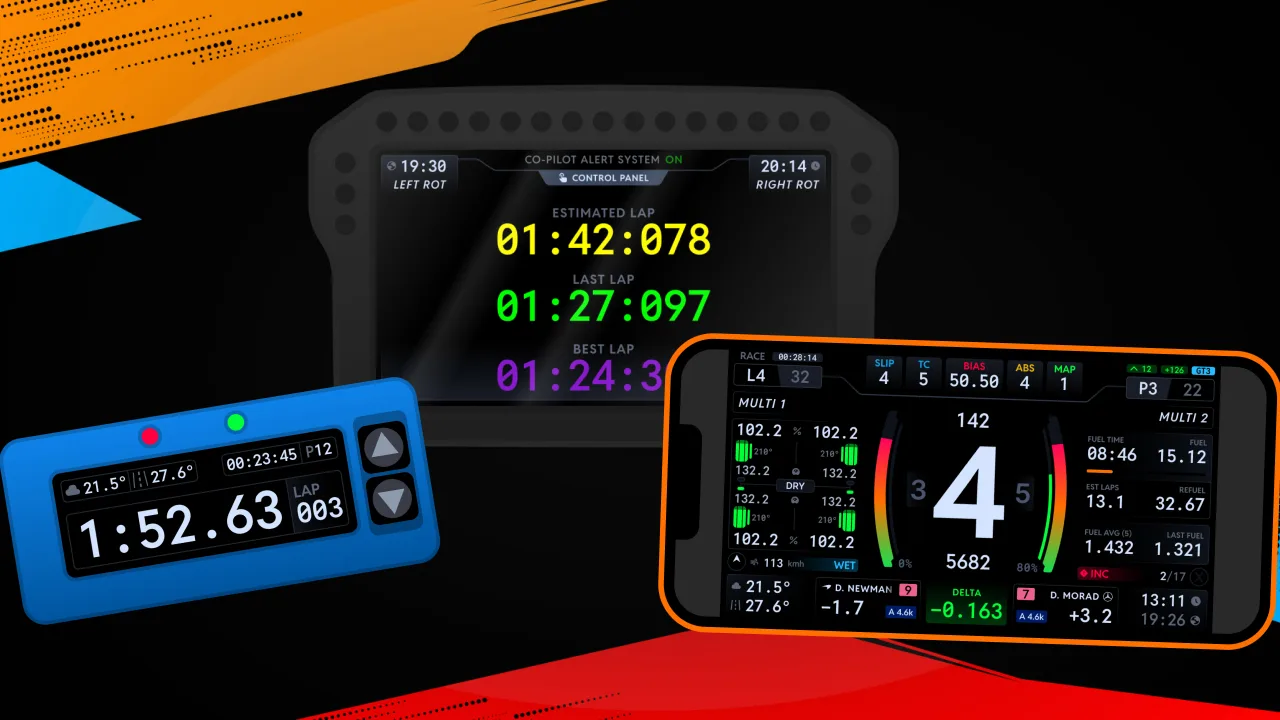
Runs everywhere
VoCore, DDUs, wheels, phones, tablets, monitors.


The data underneath the design.
Every dashboard on this page reads the DNR ONE feed: every position, gap, lap time and sector rebuilt live from inside the sim and standardised across every title we cover. The same single feed powers every DNR product. Industry leading visuals, and data to match.
One by name. Won by nature.
The same board, on your whole team's screens.
RELAY takes the car being driven and puts it in front of everyone on your team at once. Fuel, tyres, pit plan and stints, live while somebody drives, so the person calling the strategy is reading the same numbers as the driver.
Drive. Relay. Decide.
From download to a dressed screen
The dashboards are free. The plugin brings them to life.
- 1DashboardsFreeDownload
Download the dashboards
Every DNR dashboard is free for every driver. Grab them from downloads.
- 2DNR Plugin78%
Install the plugin
Add the DNR SimHub plugin and drop the dashboards onto your screens.
- 3Gauge styleDashedZone COpponentsDark modeRed
Make them yours
Pit Crew and above unlock full customisation: zones, gauges, themes and more.
- 44gear1:34.0best lapdelta-0.32
Race with it
Your dashboard comes alive with your telemetry the moment you are in the sim.
Free to race. Unlocked by Pit Crew.
Every DNR dashboard is free for every driver, no membership needed to download and race them. Pit Crew and above unlock the full customisation: zones, gauges, themes, dark modes and everything in between.
- All seven dashboards, free forever
- Full customisation from Pit Crew
- Signature RPMs for 600+ cars
- New dashboards and features as they land
How it unlocks
- Everyone
Every dashboard, free to download and race
 Pit Crew+
Full customisation unlocked on every dashboard
Ready to dress your screens?
Download the dashboards free, add the plugin, and race with a display built for your discipline.
Not sure which version fits your setup?
Browse every supported display, peripheral and hardware brand tier-by-tier, plus the optimized dashboard resolutions for each device.